

 01
01Models & intelligence · 05
Vision on the line, from cameras you already have.
Inspection, counting, tracking and reading, built for the light, the speed and the cameras of your floor, and run where the decision is needed rather than in a distant cloud.
For manufacturers, warehouses, retailers and logistics operators with a camera pointed at something that is counted, checked or read by a person today.
01Overview
DetectionA vision model is only useful if it works under the real lighting, the real speed and the real variation of a production line. We build for those conditions, from the first sample images to the last camera on the floor.
01/ 02
Detection
See what the line sees, every unit, every shift.
A vision model is only useful if it works under the real lighting, the real speed and the real variation of a production line. We build for those conditions, from the first sample images to the last camera on the floor.
- 01
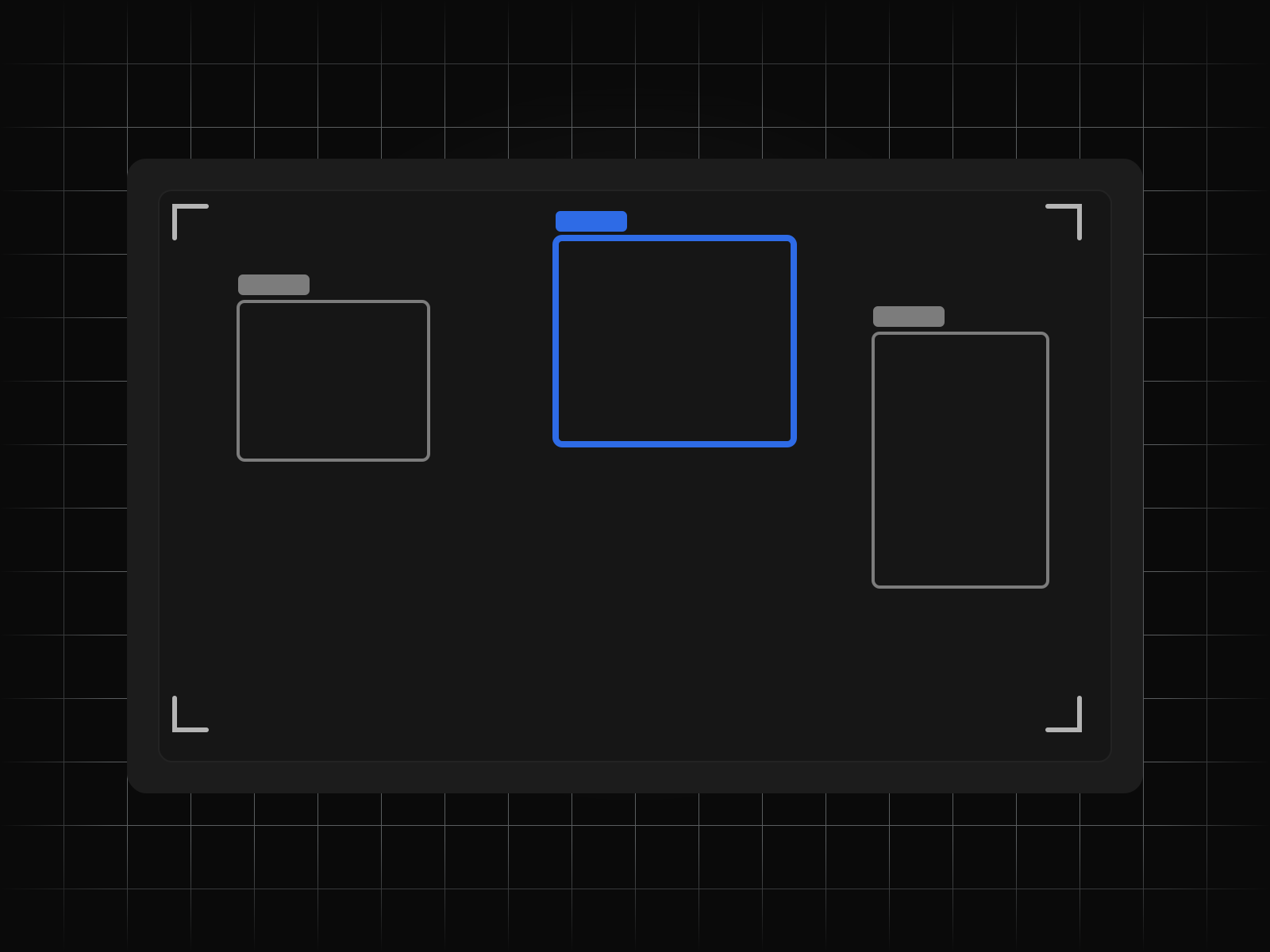
Defect detection on the line
Scratches, misprints, missing components, wrong colours and foreign objects, detected at line speed and flagged to the operator or the reject mechanism. Models are trained on your defects, including the rare ones, with synthetic augmentation where real examples are scarce.
- 02
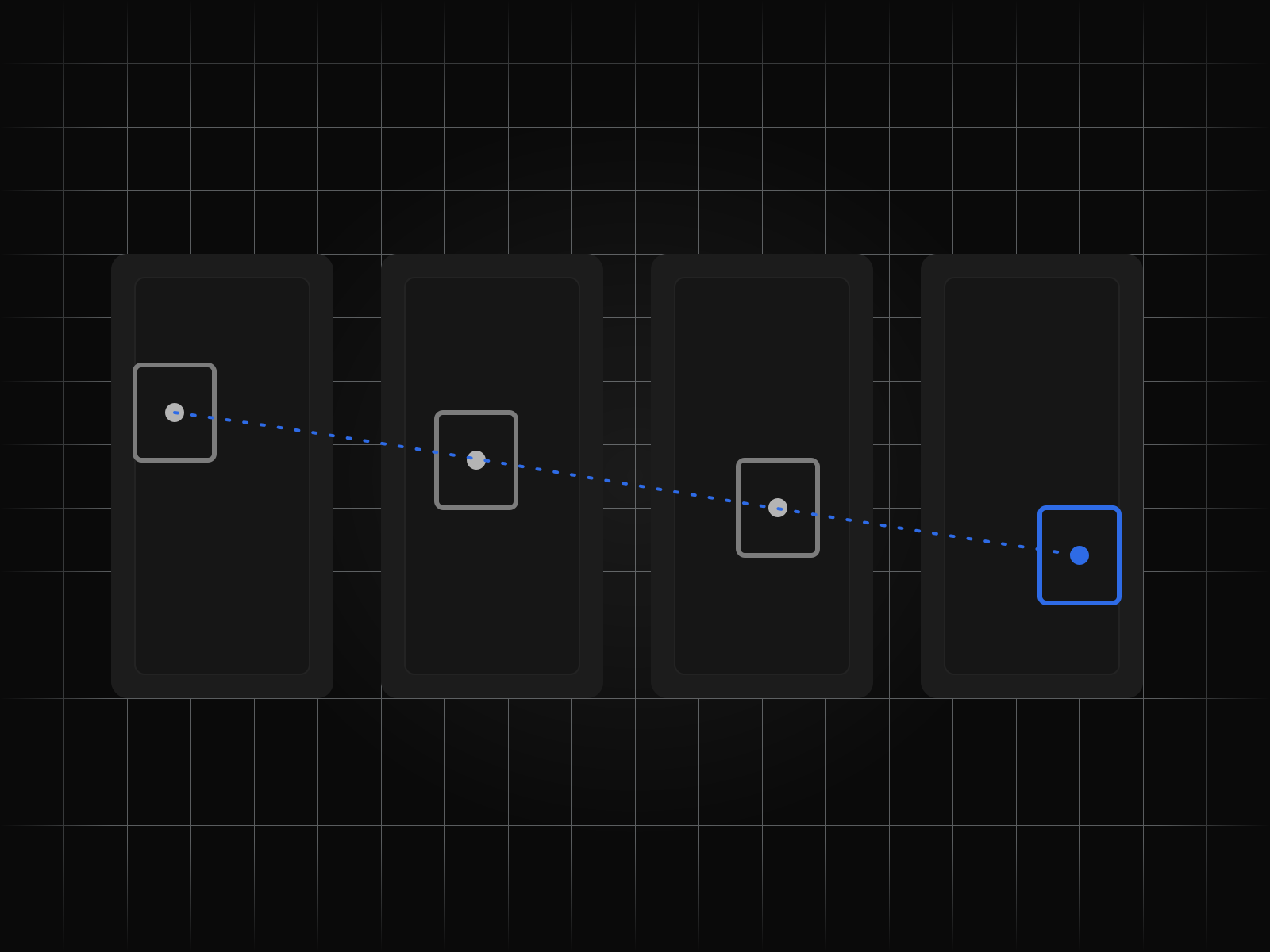
Counting and tracking across frames
Units on a belt, pallets in a bay, people through a door or vehicles at a gate, counted and tracked frame to frame so a count is a count and not a guess. Occlusion and re-entry are handled rather than hoped away.
- 03
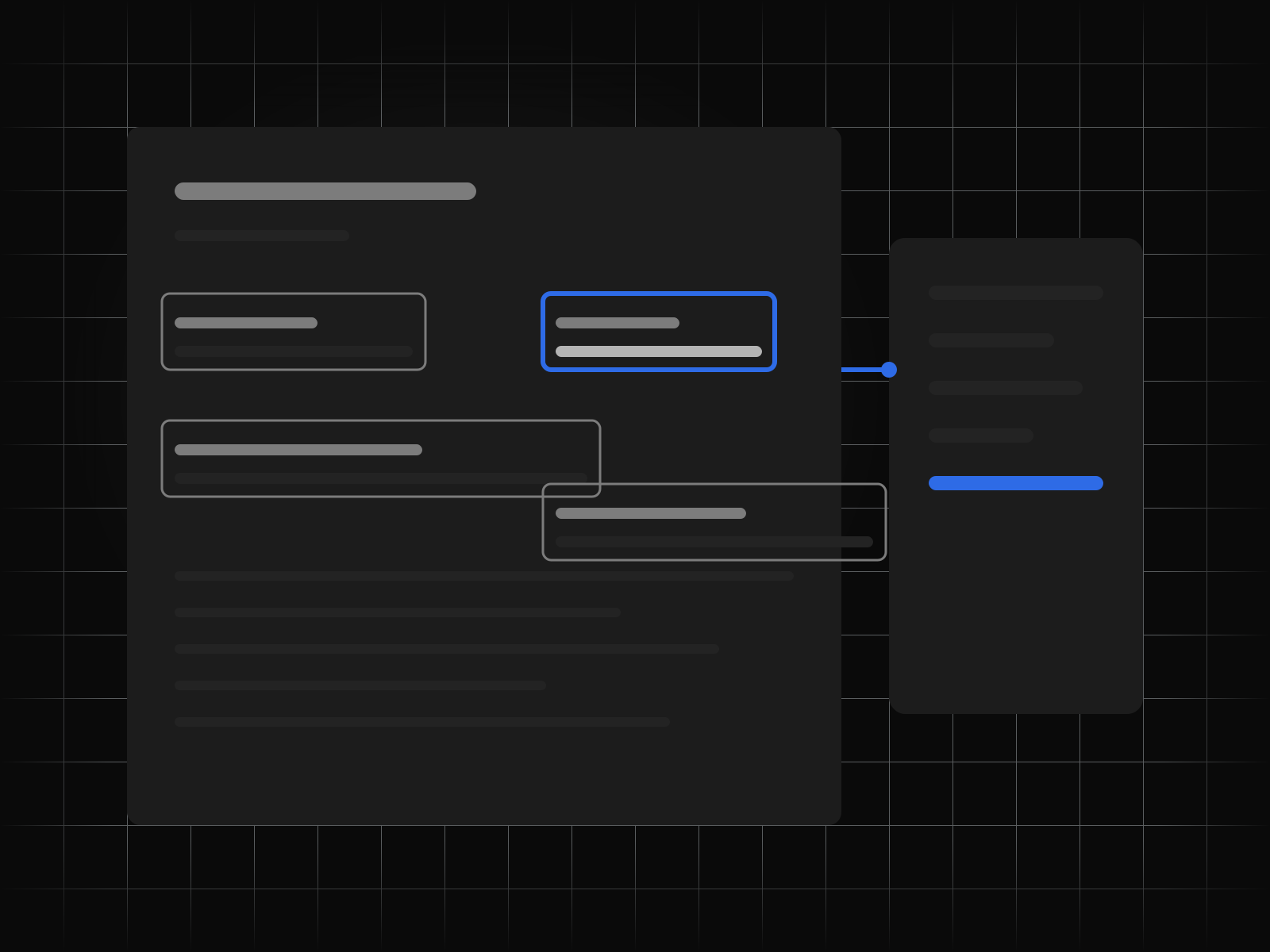
Reading labels, codes and print
Barcodes, QR codes, printed dates, serial numbers and handwritten notes, read from images that are often blurred, angled or partly covered, and checked against the record they should match.
- 04
The cameras you already have
We start from the CCTV, machine-vision and phone cameras already on site and only propose new hardware where the task cannot be done without it. Where a new camera is needed, we specify it and its lighting.
02/ 02
Deployment
Running at the edge, improving from the floor.
A model that works in a demonstration and fails on a Tuesday night shift is not a model. We run inference on the floor, keep labelling going after launch, and put the metrics beside the line where the people who own the process can see them.
- 05
Inference at the edge
Models are quantised and deployed to edge devices or a line-side server, so a decision does not depend on the plant's internet connection and the video never has to leave the building.
- 06
Labelling as a pipeline, not a project
Labelling does not stop at launch. Uncertain frames are routed to your operators for a quick confirmation, the labels flow back into training, and the model improves on the cases it actually meets.
- 07
New SKUs without a new model
Product ranges change. We design for it: few-shot registration of a new SKU from a handful of images, so a new product is a change in data, not a retraining project.
- 08
Line-side metrics and the review queue
Detection rates, false rejects and throughput are shown at the line and in the ERP, and every automated reject sits in a review queue an operator can overturn. Overturned decisions become training data.
At a glance
Every capability, at a glance
8 figures, one per capability. Open any to read it in full.
How it runs
From first call to running unattended
Every engagement runs the same five steps, whatever the service.
- 01
Map the process
We sit with the people who do the work today and write down every step, exception and hand-off before anything is built.
- 02
Build against a golden set
A held-out set of real cases, agreed with you, is the bar each build has to clear before it goes anywhere near production.
- 03
Run beside the team
The system runs in parallel with the team for as long as it takes, and every disagreement between them is reviewed together.
- 04
Hand over the keys
The code, the prompts, the evaluation set and the runbooks are handed over in your accounts, under your keys.
- 05
Keep it running
We watch the runs, retrain and repair as the inputs drift, or train your own team to do the same.
Outcomes
What this looks like when it lands.
01 Every unit inspected, not a sample
Inspection that keeps up with the line, with rejects logged and reviewable rather than discovered at the customer.
02 Counts that match the ledger
Receipts and dispatches counted by camera and posted to stock, so the physical and the recorded quantity stop drifting apart.
03 A model that keeps improving on your floor
Uncertain frames confirmed by operators feed the next training run, so accuracy rises with use instead of decaying.
Details
On the spec sheet.
- Service
- Computer Vision
- Group
- Models & intelligence
- Capabilities
- 8
- Engagement
- Map, build, run beside the team, hand over, keep running
- Ownership
- Your accounts, your keys, your region
Questions we are asked about computer vision
Asked before signing.
Do we need new cameras?
Usually not. We assess the cameras you have against the task first. Where the resolution, frame rate or lighting will not support it, we specify exactly what is needed and why.
How many defect images do you need to start?
Fewer than most people expect for common defects, and we augment rare ones synthetically. What matters more is that the images come from the real line under real conditions, which we capture in the first weeks.
Does the video leave the site?
No. Inference runs on the edge or a line-side server. Only the detections, metrics and the frames you choose to review for labelling leave the device, and those stay in your storage.
What happens when a product changes?
A new SKU is registered from a handful of images through the labelling pipeline. It does not require a new model or a new project.
Can it post to our ERP?
Yes. Counts, rejects and reads post to the SoloOne or to the system you run, with the frame attached to the record so a number can be checked against what the camera saw.
Start