

Plan · make · inspect · ship
The shop floor,without the paperwork.
Planning, quality, maintenance and the forms between them, run by systems that read the order book, the line and the stores, with people only where a decision needs one.
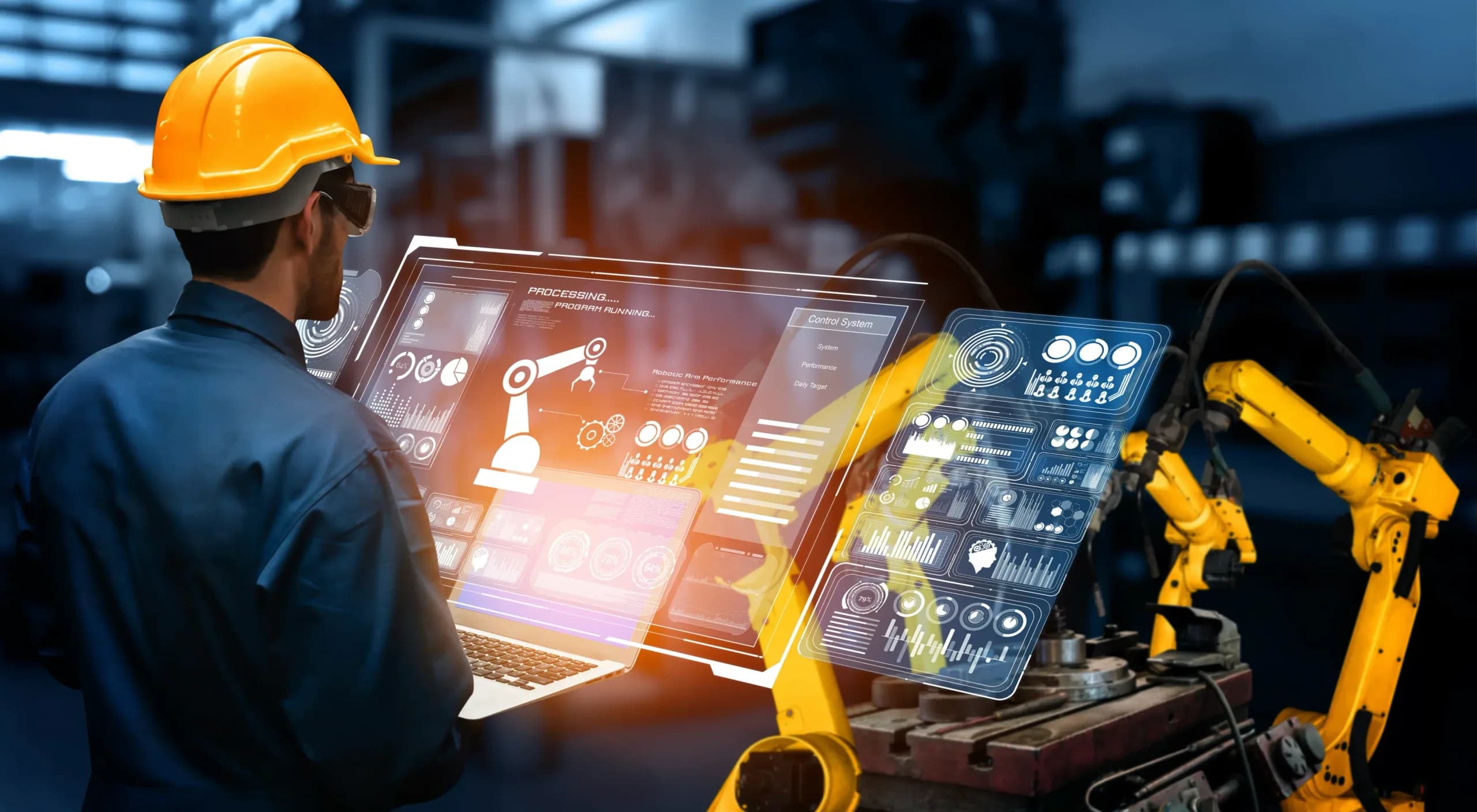
Most factory delay is administration, not machining.
THE PROBLEM
A plant runs on paper that follows the parts around: the production sheet, the inspection card, the delivery note, the breakdown slip. Each one is filled in by hand, carried to an office and typed into a system a day later. The planner rebuilds the week in a spreadsheet every time an order changes. Quality is checked on a sample at the end of the line, so a defect is found after a batch is made. Nobody sees the shift until the next morning.
HOW SOLONOMOUS DOES IT
We start with one order and follow it from receipt to despatch, listing every form and handover. Then we automate the workflows that carry the most re-keying: the schedule reads live orders and capacity, cameras inspect every unit on the line, supplier documents are read and matched to the purchase order, and a breakdown reported from a phone becomes a work order with the spare part reserved. Where the SoloOne suite is the right record, stock, work orders and postings live there; where you already have an ERP or MES, we connect to it.
WHAT YOU GET
The plan changes itself when an order changes. Defects are caught on the unit, not the batch. Supplier paperwork posts without a keyboard. The shift report is ready when the shift ends, and the plant team owns every system we leave behind.
Workflows
What we automate here.
7 workflows
- 01
Production scheduling
TODAY
The planner rebuilds the week's schedule in a spreadsheet from the order book, stock levels and the shift roster. A rush order or a breakdown means rebuilding it again by hand.
AUTOMATED
The schedule is generated from live orders, stock and capacity and re-sequenced when an order, a machine or a shift changes. The planner sees the exceptions and approves the ones that matter.
- 02
In-line visual inspection
TODAY
An inspector checks a sample at the end of the line against a reference card. A defect that started mid-batch is found after the batch is complete.
AUTOMATED
Cameras on the line grade every unit against the defect classes you define, flag the ones that fail and log each result against the work order. A drift in one class raises an alert before the batch finishes.
- 03
Supplier documents
TODAY
Invoices, delivery notes and test certificates arrive by email and are keyed into the ERP, then matched to the purchase order and the goods receipt by someone with three windows open.
AUTOMATED
Each document is read into structured fields, matched to its purchase order and goods receipt and posted. A quantity or price mismatch is routed to the buyer with both documents attached.
- 04
Breakdowns and maintenance work orders
TODAY
A breakdown is reported by phone or in a group chat and logged in the maintenance system later, if at all. The technician walks to the stores to see whether the part is in.
AUTOMATED
A message or a photo from the floor becomes a work order with the machine, the fault and the likely part identified. The part is reserved from stock, a technician is assigned and the downtime is recorded against the machine.
- 05
Shift and production reporting
TODAY
Supervisors fill in production sheets by hand at the end of the shift. Someone types them in the next morning, so managers see yesterday.
AUTOMATED
Counts, downtime and rejects are captured from the machines and the cameras as they happen and posted per shift. The shift report is ready at the shift's end, and every figure traces back to the source.
- 06
Material handling
TODAY
Pallets and bins are moved between stores, the line and despatch on verbal instruction. A missing bin is found by walking the floor.
AUTOMATED
Robots and guided vehicles move material under one control layer, triggered by the work orders that need it. Every movement is logged, and a person still owns the cell.
- 07
Procedures and set-up questions
TODAY
Set-up sheets, standard operating procedures and machine manuals live in binders and shared drives. An operator on the night shift asks a colleague or waits until morning.
AUTOMATED
An assistant answers from your own procedures and manuals, with the source page attached, on a tablet at the machine and in the language the shift speaks.
Done with
Engagement
How it starts on a factory floor
We spend time on the line before we automate anything on it.
- 01
Walk the line
We follow one order from receipt to despatch and list every form, handover and re-keying along the way, with the people who do them.
- 02
Pick one workflow
Usually the one with the most paper. We agree what done looks like, which decisions stay with people and how an exception is raised.
- 03
Run it beside the line
The automation runs alongside the manual process for an agreed period. Every output is reviewed against what the team would have done, and the rules are tuned.
- 04
Hand over, or keep running
The plant team takes ownership with the runbooks, the code and the models. We run it under your keys if you would rather not.
Details
On the spec sheet.
- Systems integrated
- ERP and MRP (SAP, Tally, Zoho and others), MES, PLC and SCADA historians, maintenance systems, supplier portals, email and messaging
- Data handled
- Orders, bills of materials, routings, work orders, stock movements, inspection images, machine counts, downtime, supplier documents
- Compliance considerations
- Quality records and batch or lot traceability in the form your customer audits expect; an audit trail on every automated posting; electronic records retained for the period you set
- Safety
- Robots and guided vehicles run inside guarded cells and speed-limited paths; every automated movement is logged; a person owns the stop
- Deployment
- On-premise, in your cloud region, or run by us under your keys; vision models run on edge devices at the line so images need not leave the plant
- Languages
- Operator screens, assistants and voice in the languages your shifts speak; reports in English or the language of the office
- Hand-over
- Runbooks, source code, model weights and the training-data pipeline, with your engineers trained to retrain and redeploy
Questions
Asked before we start.
We already run an ERP and an MES. Do we have to replace them?
No. Most of what we automate reads from and writes to the systems you already have. The SoloOne suite is one option for the record of stock and work orders when a plant has none, or wants to replace a spreadsheet; it is never a condition.
Can inspection cameras work on our line, with our lighting?
Usually, with fixed lighting and a mount we specify. We collect images from your line, label the defect classes with your quality team and evaluate the model against a held-out set before it grades anything live. The evaluation results are shared with you.
Who decides when the schedule changes?
The planner. The system proposes a re-sequence when an order, a machine or a shift changes, and it can apply changes inside limits you set, such as moving jobs within a day. Anything beyond those limits waits for approval.
What happens when a supplier document cannot be matched?
It is routed to the buyer with the document, the purchase order and the difference shown side by side. Nothing posts until someone resolves it, and the resolution is recorded so the same case is handled the same way next time.
Does the plant's data leave the site?
Only if you choose that. Vision models can run on edge devices at the line, and the whole stack can run on-premise or in your own cloud region. Where we operate it for you, it runs under your keys and your access rules.
Start
Tell us what your teamstill does by hand.
We map the workflow with you and say plainly what can run on its own, what should not, and what it takes.