

Order · despatch · deliver · settle
Every order tracked,every exception handled.
Orders read from any channel, loads planned from live capacity, deliveries proved and invoiced, and the exceptions between them routed to a person with the facts attached.
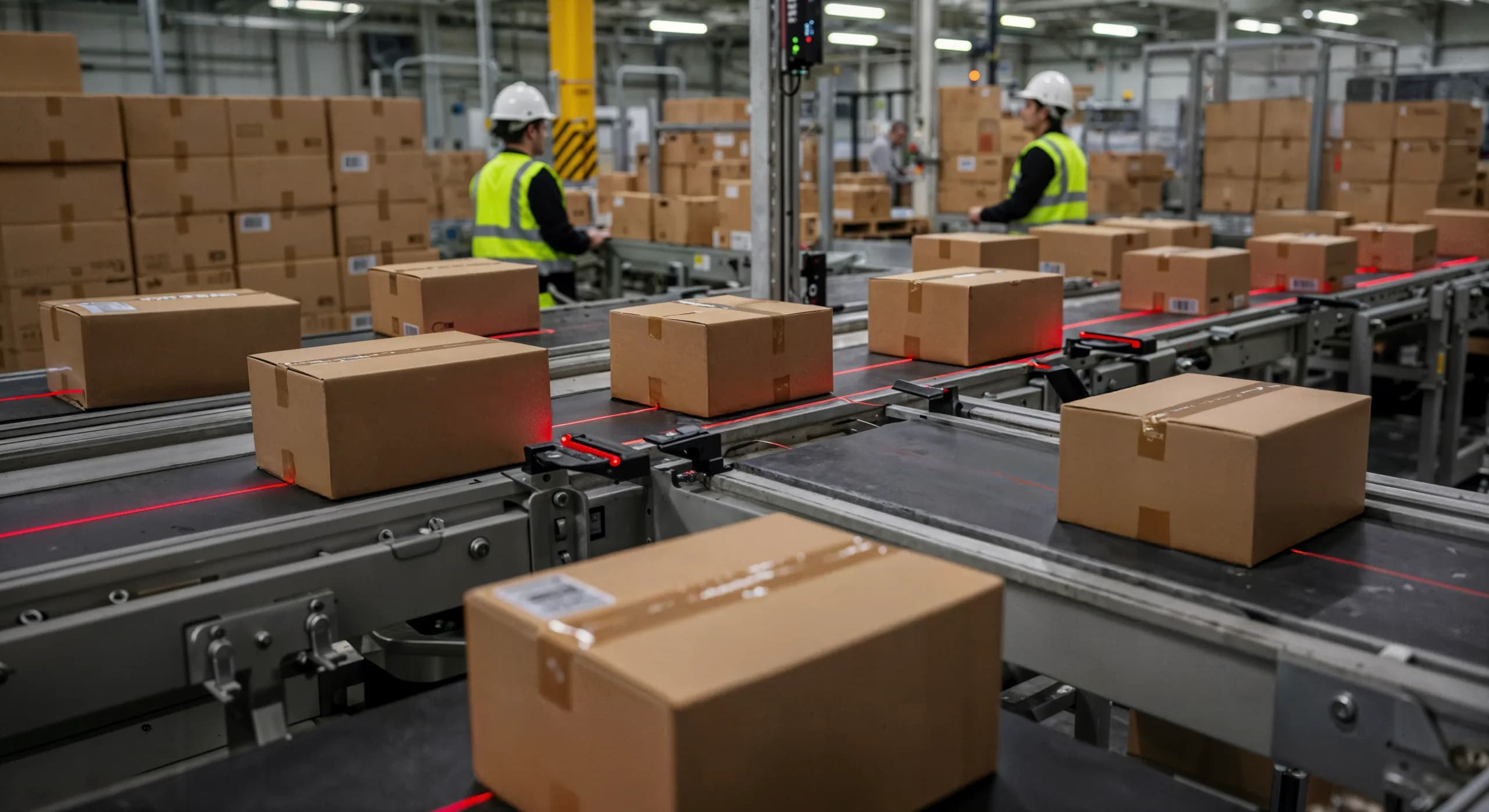
A logistics business is an exception-handling business.
THE PROBLEM
Orders arrive by email, portal and message and are keyed into the transport system. Loads are planned each morning in a spreadsheet that is out of date by ten. Proof of delivery is a photograph in someone's phone, so invoices wait and disputes are settled by searching. Customers ring to ask where a shipment is, and the person who answers has to ask the driver. Carrier invoices are checked line by line against a rate card, or not at all.
HOW SOLONOMOUS DOES IT
We follow one shipment from order to settlement and automate the steps that carry the most re-keying and the most waiting. Orders are read into the transport system from whatever channel they arrive in. Loads are built from live orders, vehicle capacity and time windows and re-planned when a vehicle drops out. Proof of delivery is read and matched so the invoice releases itself. An assistant answers status enquiries from live tracking. Carrier invoices are matched to shipments and rate cards, and only the differences reach a person.
WHAT YOU GET
Orders are in the system minutes after they arrive, in the form they arrived in. The plan changes when the day changes. Invoices go out when the delivery is proved. The team spends its time on the exceptions that need judgement, and every one of them arrives with the documents already attached.
Workflows
What we automate here.
6 workflows
- 01
Order intake
TODAY
Orders arrive as emails, PDFs, portal entries and messages. An operator keys each one into the transport system and rings the customer when a field is missing.
AUTOMATED
Each order is read from its channel into structured fields, validated against the customer record and the rate card, and created in the transport system. A missing field triggers a request to the customer, not a phone call.
- 02
Route and load planning
TODAY
A dispatcher plans the day's loads in a spreadsheet each morning from the orders on hand and the vehicles available. A late order or a vehicle off the road means starting again.
AUTOMATED
Loads are built from live orders, vehicle capacity, time windows and driver hours, and re-planned when any of them change. The dispatcher reviews the plan and overrides where local knowledge says so.
- 03
Proof of delivery and claims
TODAY
Drivers photograph signed notes and send them in when they can. Someone files them, and the invoice waits until they do. A damage dispute means searching for the photograph.
AUTOMATED
The proof of delivery is read, matched to the shipment and attached to it, and the invoice is released. A damage photograph is assessed against the consignment, and a claim file opens with everything in one place.
- 04
Customer status enquiries
TODAY
Customers ring or email to ask where a shipment is. The person answering checks the tracking system, then rings the driver, then rings the customer back.
AUTOMATED
An assistant answers by phone, chat or email from live tracking and the delivery plan, in the customer's language. A shipment that is late or held is escalated to a person with the history attached.
- 05
Warehouse receiving and put-away
TODAY
Inbound pallets are counted and labels read by hand, then keyed into the warehouse system. Put-away locations are chosen from memory.
AUTOMATED
Cameras at the dock count units and read labels as they arrive; the receipt posts and a put-away location is assigned. Pallet moves run on guided vehicles under one control layer where the site is set up for it.
- 06
Carrier invoice reconciliation
TODAY
Carrier and partner invoices are checked line by line against shipments and rate cards in a spreadsheet, or accepted as they come because there is no time.
AUTOMATED
Every invoice line is matched to a shipment and priced against the agreed rate card. Matches post; the differences are routed to the person who owns the carrier with both figures shown.
Engagement
How it starts in a logistics operation
One shipment, followed from the first email to the settled invoice.
- 01
Follow one shipment
We sit with the operations desk and trace a shipment through every system, message and phone call it touches, and note where it waits.
- 02
Pick the loudest exception
The step that costs the most calls or the most waiting goes first. We agree the rules, what a person still decides and how an escalation is raised.
- 03
Run it in shadow
The automation runs alongside the desk for an agreed period. Its outputs are compared with what the team did, and the rules are tuned on the differences.
- 04
Hand over, or keep running
Your team takes it on with runbooks and code, or we run it under your keys. Either way, the exceptions keep arriving with the facts attached.
Details
On the spec sheet.
- Systems integrated
- Transport and warehouse management systems, telematics and GPS feeds, carrier portals and EDI, customer portals, accounting (Tally, Zoho, SAP and others), email and messaging
- Data handled
- Orders, shipments, manifests, proof-of-delivery images, rate cards, carrier invoices, vehicle positions, dock camera feeds
- Compliance considerations
- E-way bill and GST documents where they apply, chain-of-custody and proof-of-delivery retention, customer and driver data handled under the DPDP Act, audit trail on every automated posting
- Deployment
- In your cloud region or run by us under your keys; dock cameras and counting run on edge devices at the site
- Languages
- Driver apps, assistants and voice in the languages your drivers and customers speak; reports in English
- Hand-over
- Runbooks, source code, integrations and model weights, with your operations and IT teams trained to run and change them
Proof
Case studies
Questions
Asked before we start.
Our orders arrive in a dozen formats. Can they all be read?
Yes. The intake reads emails, PDFs, spreadsheets, portal entries and messages into the same structured order. Formats it has not seen are routed to a person the first time, and what they enter teaches the next one.
Does the load plan replace our dispatcher?
No. It builds the plan from live data and rebuilds it when the day changes; the dispatcher reviews it and overrides where local knowledge says so. Overrides are recorded and become rules where they repeat.
Can it connect to our transport management system?
Most transport and warehouse systems expose an API or a file interface, and we connect to that. Where a system has neither, an attended or unattended bot works through its screens until an interface is available.
Will the assistant give customers wrong delivery times?
It answers only from the live tracking feed and the plan, and it says when it does not know. Anything outside its data, such as a shipment held at a checkpoint, is escalated to a person with the history attached.
What about our drivers' phones?
Proof of delivery, photographs and messages are collected from the apps and channels drivers already use. Nothing requires a new device, and a driver's data is handled under the same rules as a customer's.
Start
Tell us what your teamstill does by hand.
We map the workflow with you and say plainly what can run on its own, what should not, and what it takes.