


 01
01Agents & automation · 12
An assistant that resolves, escalates and hands over cleanly.
Support and sales conversations answered from your own knowledge and your own systems, in your customers' languages, with escalation designed in and resolution measured rather than assumed.
For support, sales and service teams answering the same questions across chat, web, email and WhatsApp, and for operators who want the assistant to act, not just talk.
01Overview
GroundingAn assistant is only as good as what it can see and do. We ground it in your documents and policies, connect it to the systems that hold orders and tickets, and design the path to a person as carefully as the answers themselves.
01/ 02
Grounding
Answers from your knowledge, actions in your systems.
An assistant is only as good as what it can see and do. We ground it in your documents and policies, connect it to the systems that hold orders and tickets, and design the path to a person as carefully as the answers themselves.
- 01
Grounded in your own knowledge
Answers are drawn from your help centre, policies, product data and past resolved tickets, with the source cited. Where the knowledge does not cover a question, the assistant says so and escalates rather than inventing an answer.
- 02
Tool calls into orders and tickets
The assistant looks up an order, updates an address, issues a return, opens or closes a ticket and books a slot through the same APIs your agents use, with every action permitted per role and logged.
- 03
Escalation as a designed path
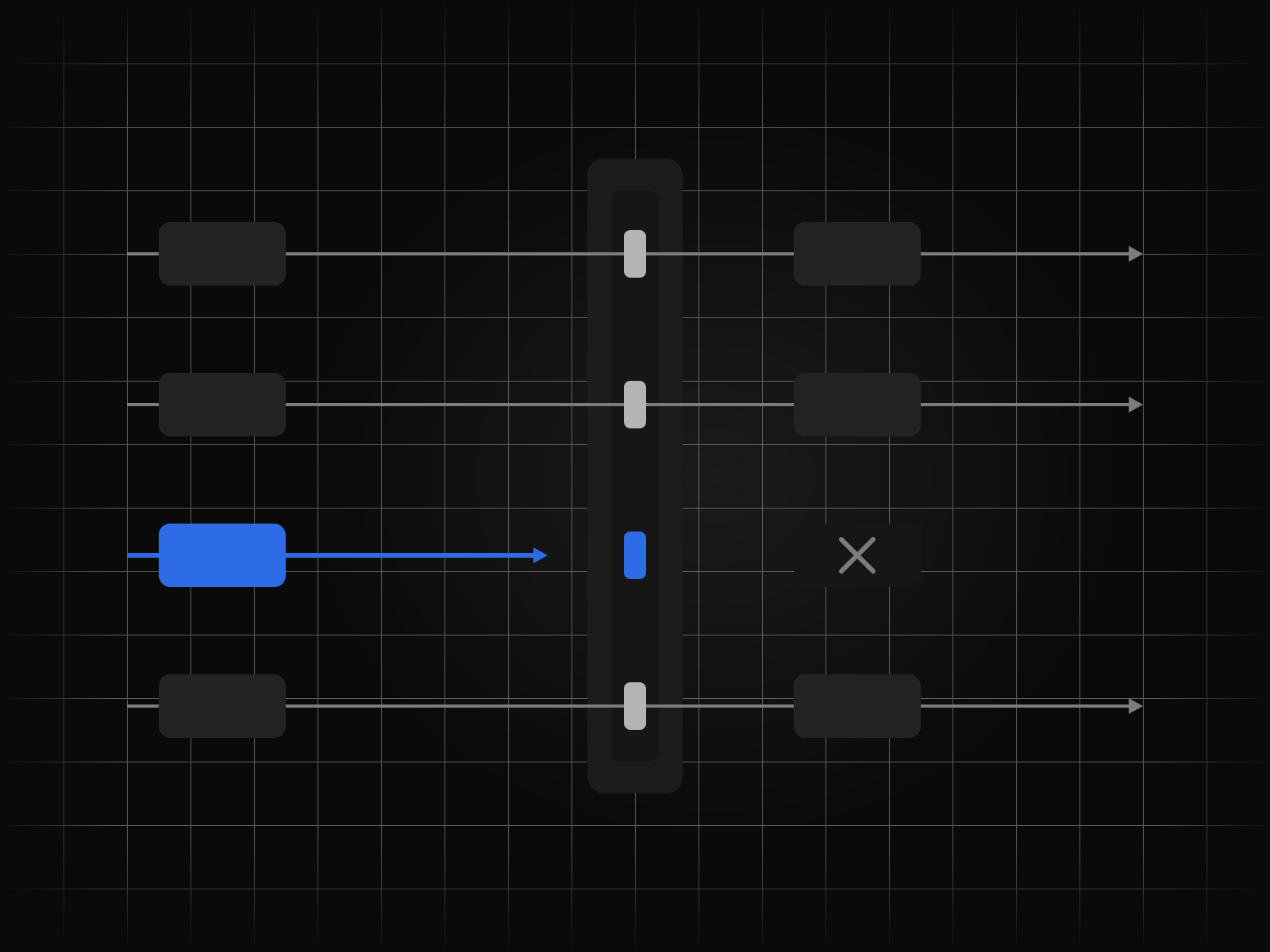
Frustration, a request outside policy, a regulated topic or a customer who asks for a person all trigger a hand-off with the conversation, the record and the reason attached. Escalation is a feature we design, not a failure we hide.
- 04
Multilingual by default
The assistant answers in the language the customer writes in, including Indian languages and mixed-language messages, from one knowledge base and one set of tools.
02/ 02
Operations
Measured, reviewed, guardrailed, and the same everywhere.
After launch the work is operational: knowing what was actually resolved, reading the transcripts that matter, keeping the assistant inside its remit, and giving every channel the same assistant rather than three that disagree.
- 05
Resolution measured, not assumed
A conversation counts as resolved when the customer's problem is gone, confirmed by follow-up behaviour and not by the absence of a reply. Deflection, resolution, escalation and reopen rates are reported by topic.
- 06
Transcripts reviewed on a cadence
A sample of conversations, weighted towards low scores and escalations, is reviewed with your team every week. Findings become knowledge updates, new tools or new guardrails, and the change is traced to the transcript that prompted it.
- 07
Guardrails on what it can say and do
Topics it must not discuss, promises it must not make, actions it must confirm and limits it must not exceed are enforced outside the model, on input, on tool calls and on output, and tested before every release.
- 08
One assistant across chat, web and WhatsApp
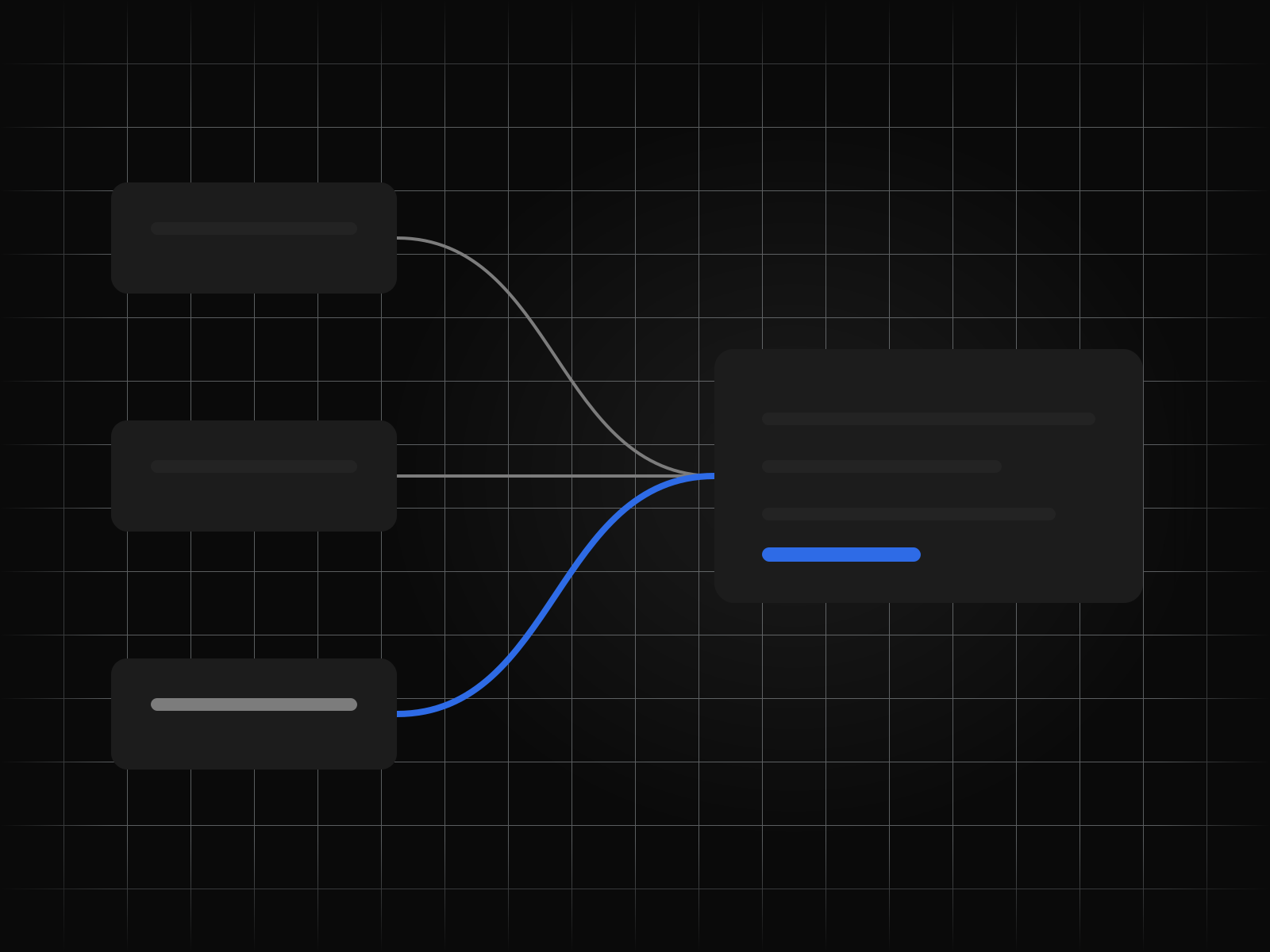
Web chat, in-app messaging, email and WhatsApp share one assistant, one knowledge base and one conversation history, so a customer who switches channel is not asked to start again.
At a glance
Every capability, at a glance
8 figures, one per capability. Open any to read it in full.
How it runs
From first call to running unattended
Every engagement runs the same five steps, whatever the service.
- 01
Map the process
We sit with the people who do the work today and write down every step, exception and hand-off before anything is built.
- 02
Build against a golden set
A held-out set of real cases, agreed with you, is the bar each build has to clear before it goes anywhere near production.
- 03
Run beside the team
The system runs in parallel with the team for as long as it takes, and every disagreement between them is reviewed together.
- 04
Hand over the keys
The code, the prompts, the evaluation set and the runbooks are handed over in your accounts, under your keys.
- 05
Keep it running
We watch the runs, retrain and repair as the inputs drift, or train your own team to do the same.
Outcomes
What this looks like when it lands.
01 Routine questions resolved without a queue
Order status, returns, bookings and policy questions answered and acted on at any hour, in the customer's language.
02 Agents who receive context, not transcripts to reread
Escalations arrive with the record, the conversation and the reason, so a person picks up where the assistant left off.
03 A number you can trust for resolution
Reported by topic and channel, confirmed by what customers did next rather than by silence.




Details
On the spec sheet.
- Service
- Conversational AI
- Group
- Agents & automation
- Capabilities
- 8
- Engagement
- Map, build, run beside the team, hand over, keep running
- Ownership
- Your accounts, your keys, your region
Questions we are asked about conversational AI
Asked before signing.
How is this different from a chatbot we had before?
It is grounded in your knowledge with citations, it acts in your systems rather than pointing at links, and escalation is designed as a path with context rather than a dead end. It is also measured on resolution, not on how many conversations it absorbed.
Can it take actions, or only answer?
Both. It calls the same APIs your agents use, within permissions you set per action, and confirms before anything irreversible.
Which channels does it run on?
Web chat, in-app messaging, email and WhatsApp as standard, sharing one assistant and one history. Voice is added through our speech and voice service.
How do you stop it saying the wrong thing?
Guardrails enforced outside the model on input, tool calls and output, tested against a red-team set before every release, and a weekly transcript review with your team that feeds back into the rules.
What does it do when it does not know?
It says so and escalates with the conversation attached. It does not invent an answer, and the gap is logged for the knowledge base.
Start