01
Projects, phases and dependencies
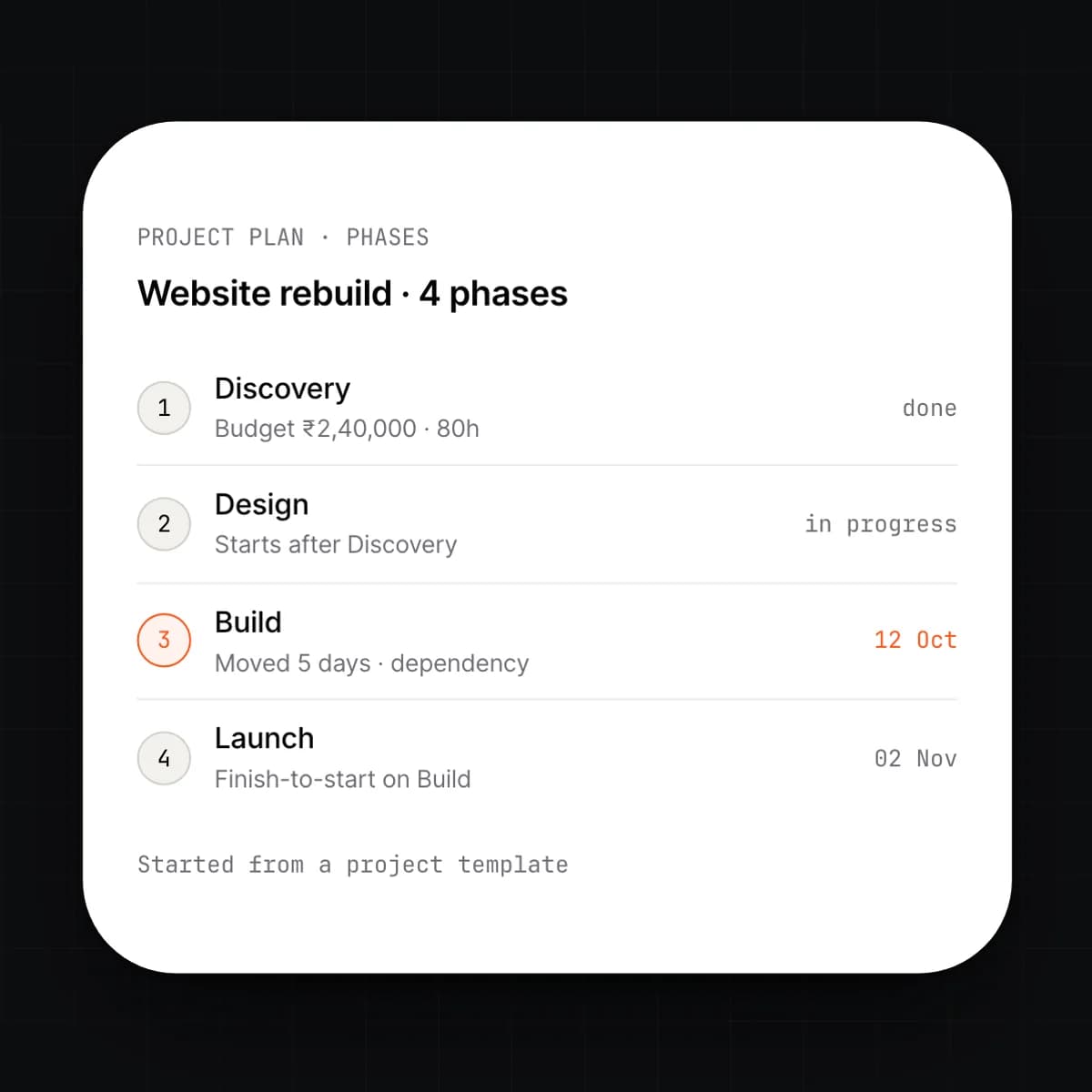
A project is a tree of phases and tasks with owners, estimates and dates. A task can depend on another; move one and the dependents move with it. Templates let you start a new engagement from the last one.
delivery
Projects, phases, tasks and sprints on the same ledger as time, invoices and payroll. Log an hour and it is already on the P&L.
scope → plan → time → invoice → margin
THE PROBLEM
Project work is usually planned in one tool, timed in another and billed from a spreadsheet. Hours are logged twice, once for the team and once for the invoice, and the two rarely agree. Cost is worked out after the fact from payroll exports, so the margin on a project is known months after it closes. Change requests live in email and never reach the invoice.
HOW SOLONOMOUS DOES IT
Projects gives every project one record that the plan, the timesheets, the invoices and the costs all write to. A task belongs to a phase; a phase carries a budget and a billing model. Time logged against a task is priced at the person's bill rate and costed at their payroll rate, on the same entry. Invoices draft from approved time, milestones or fixed-fee schedules without anyone re-entering a line.
WHAT YOU GET
You see the margin on a project while it is running, not after. Billing follows the plan, and every figure on the P&L can be opened to the hour, the purchase or the payslip line that produced it.
Capabilities
9 capabilities
A project is a tree of phases and tasks with owners, estimates and dates. A task can depend on another; move one and the dependents move with it. Templates let you start a new engagement from the last one.
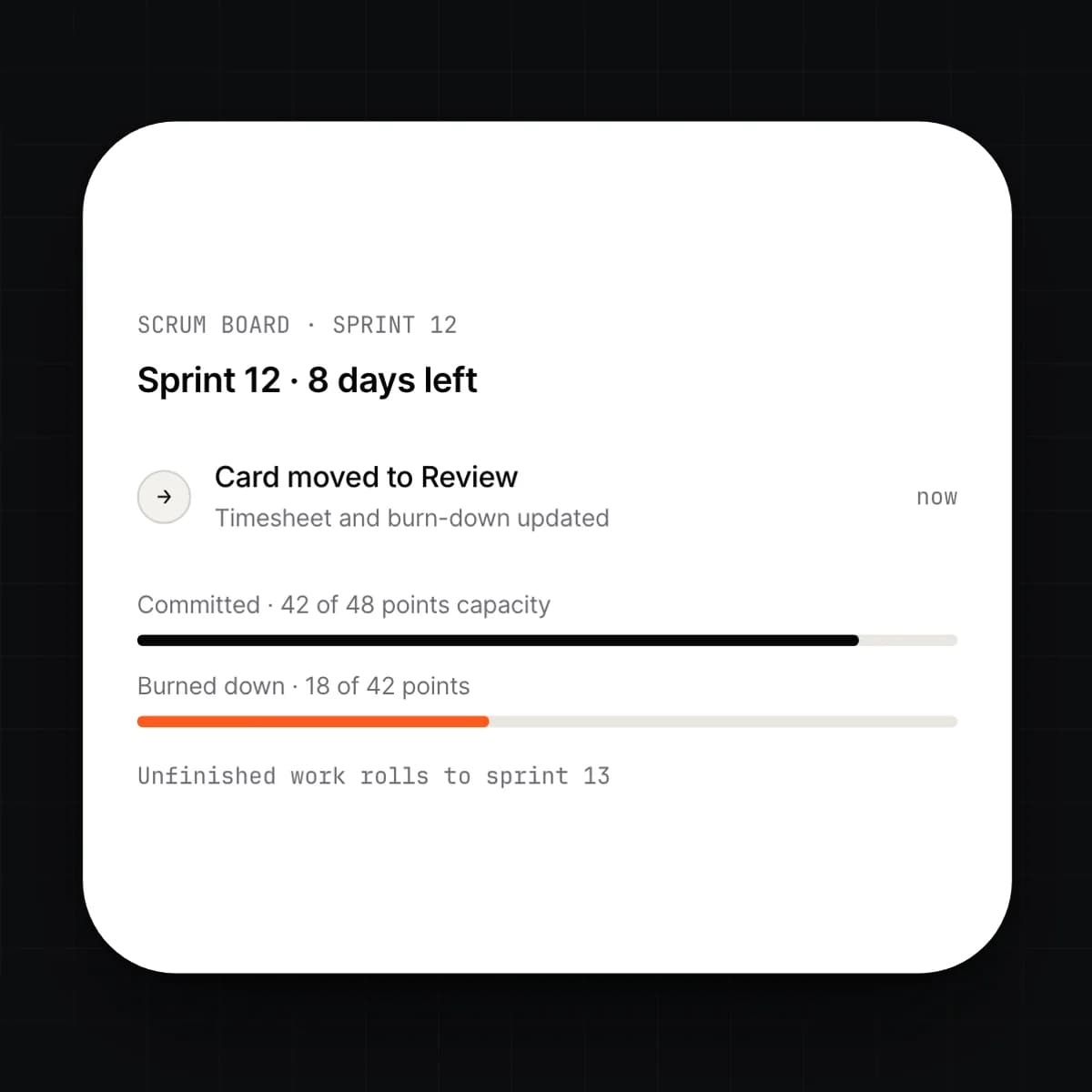
Plan work in sprints and run them on a scrum board. Drag a card between columns and the task, its timesheet and its burn-down update at once. Anything left at the end of a sprint rolls forward with its history.
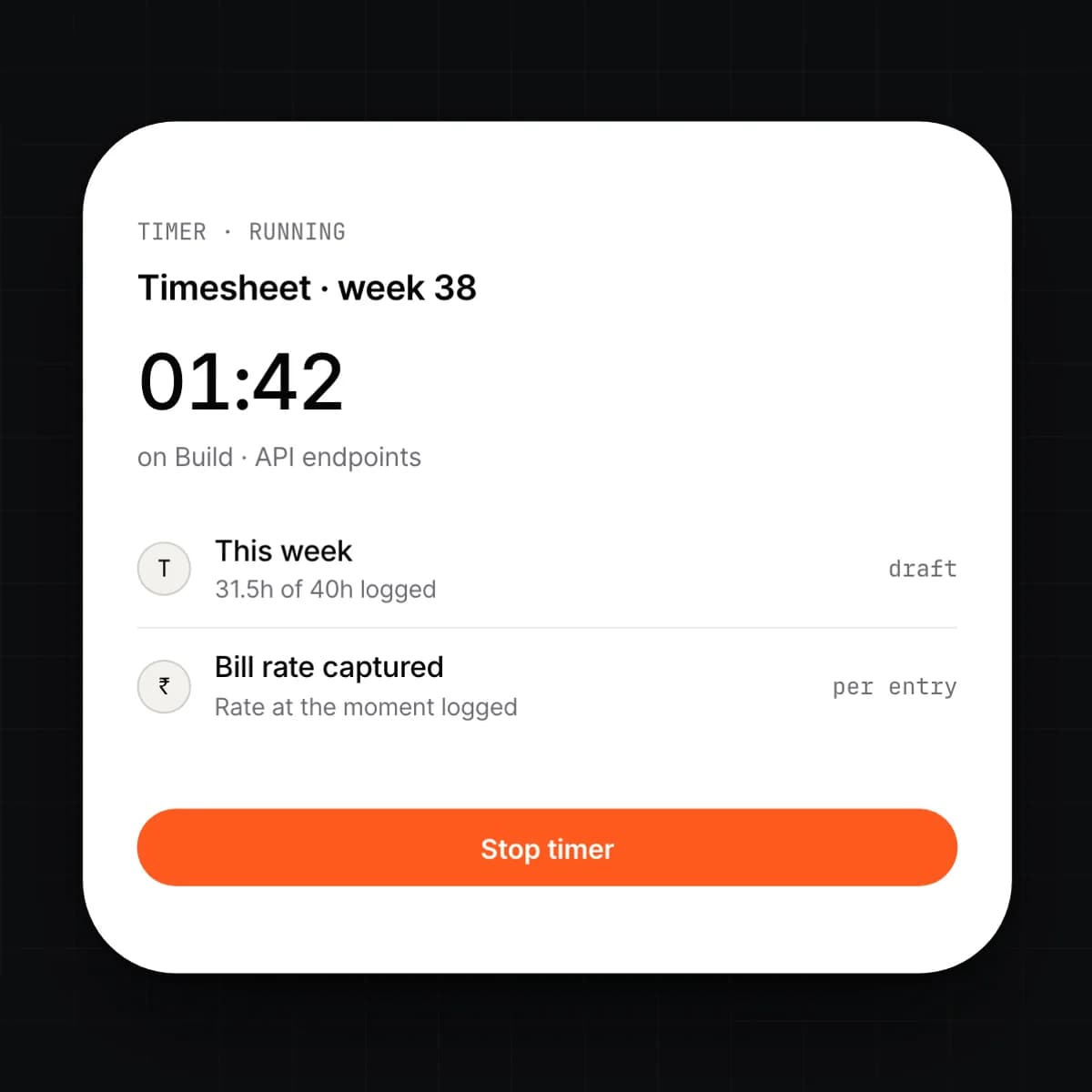
People log time against a task from the board, a timer or the weekly timesheet. Each entry carries the person's bill rate and cost rate at the moment it was logged. Managers approve a week in one pass; approved time is what gets billed.
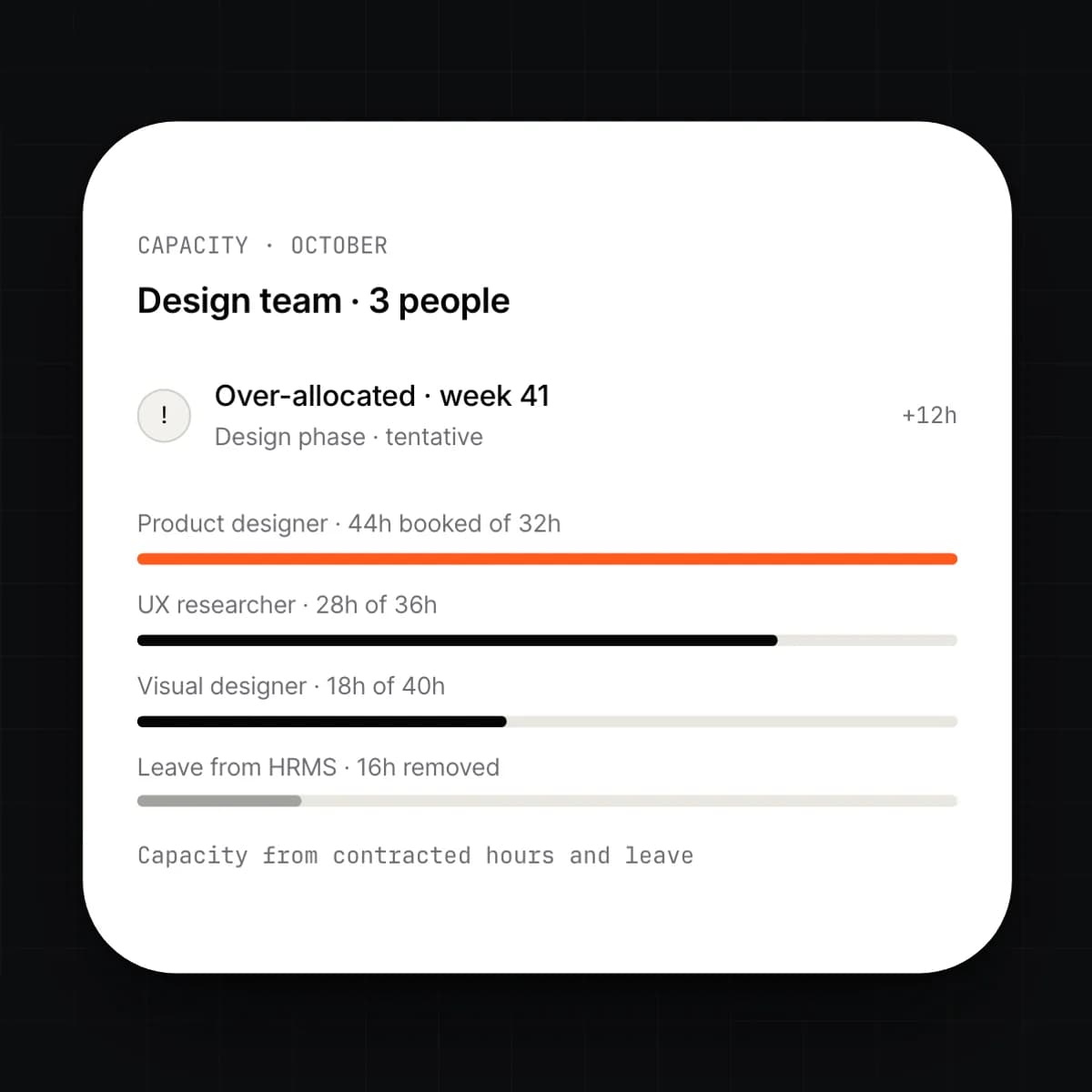
See who is booked on what, week by week, against the hours they have. Leave from HRMS reduces capacity automatically. Book a person to a phase and the plan tells you where they are over-allocated.
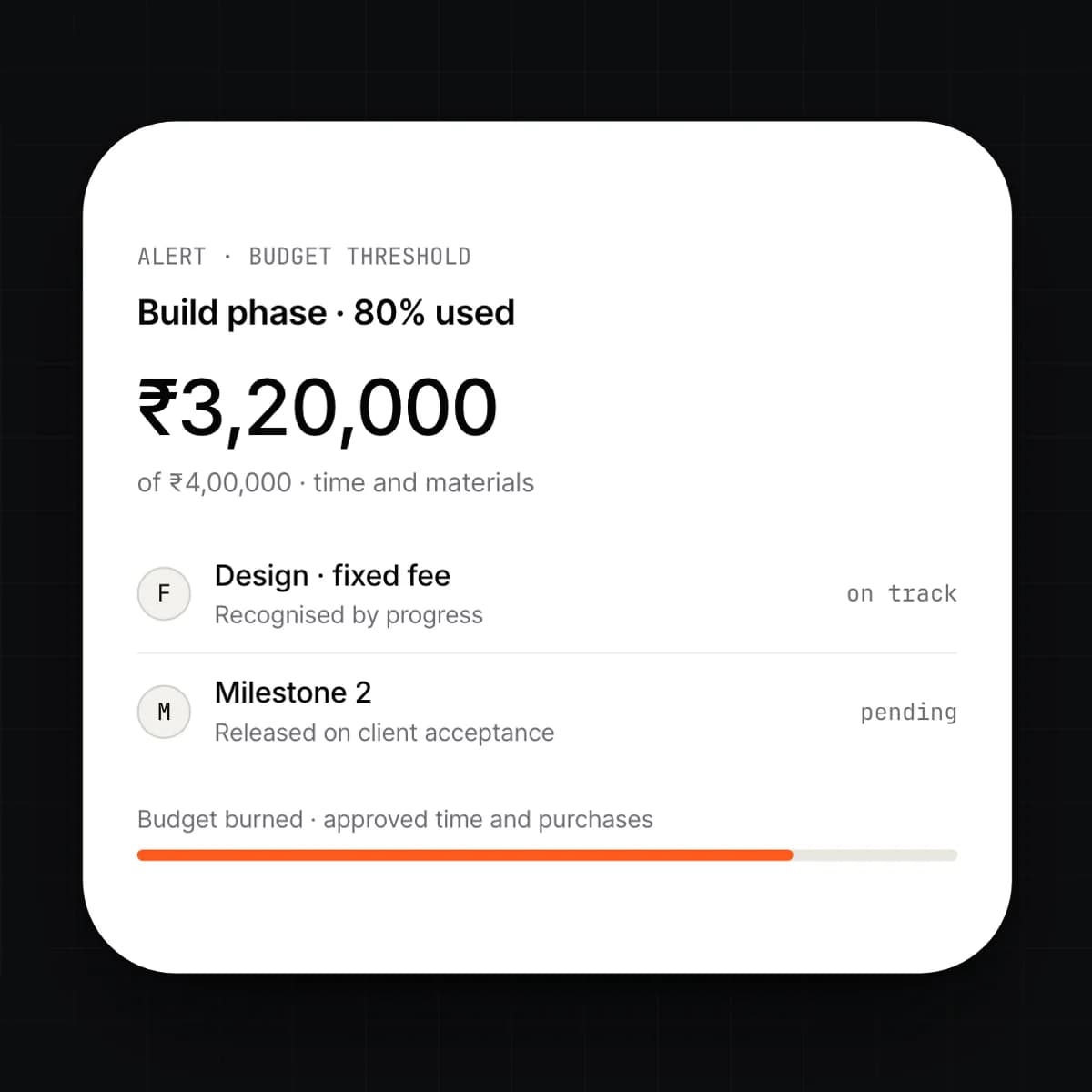
Each phase carries a budget and a billing model: time and materials, fixed fee or milestones. Mix them in one project. The budget burns down as time is approved and purchases are received, and the project manager is told before it runs out.
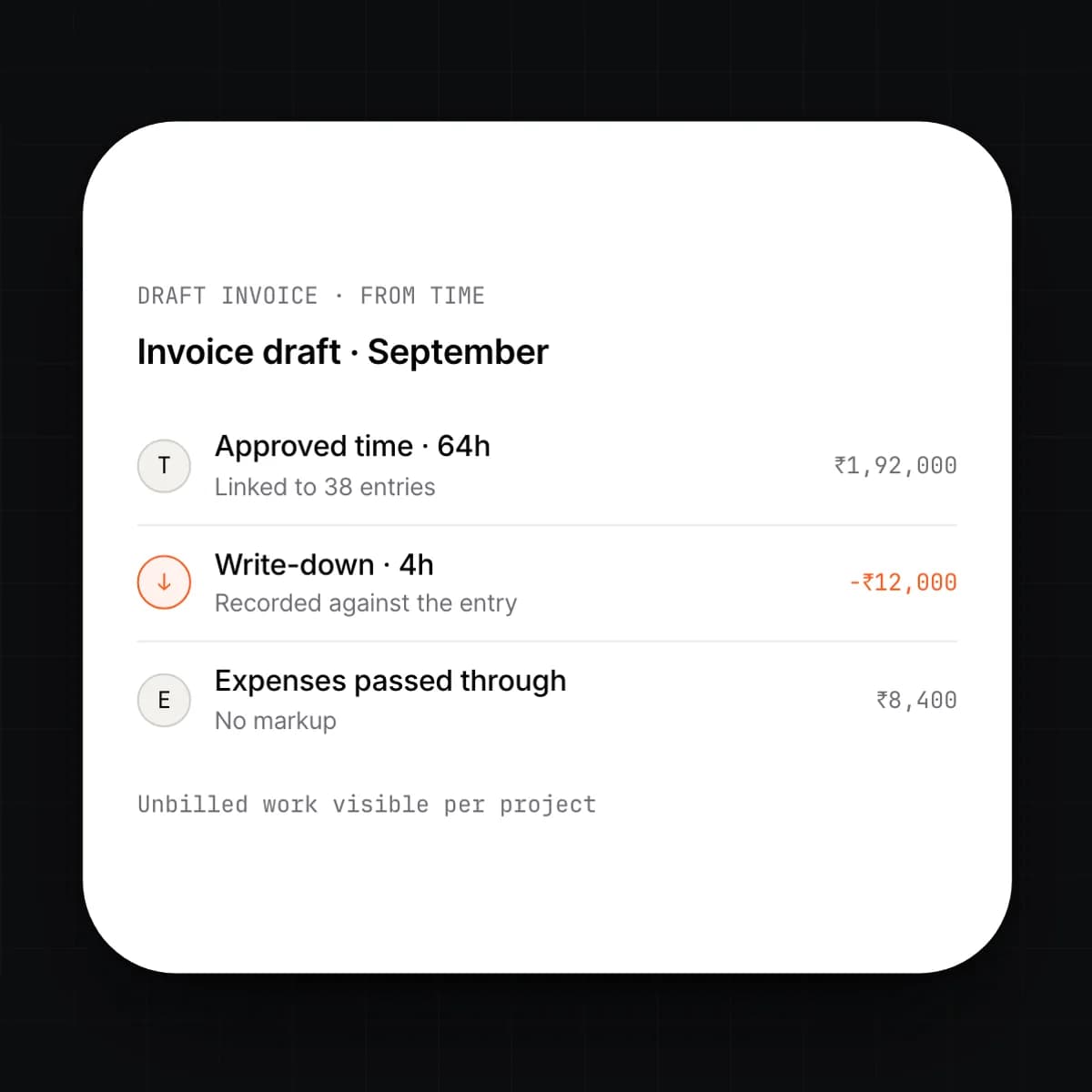
Approved time, delivered milestones and fee schedules draft invoices in Invoicing & Finance. Nothing is retyped; each invoice line links to the entries behind it. Write time up or down before sending and the adjustment is recorded, not lost.
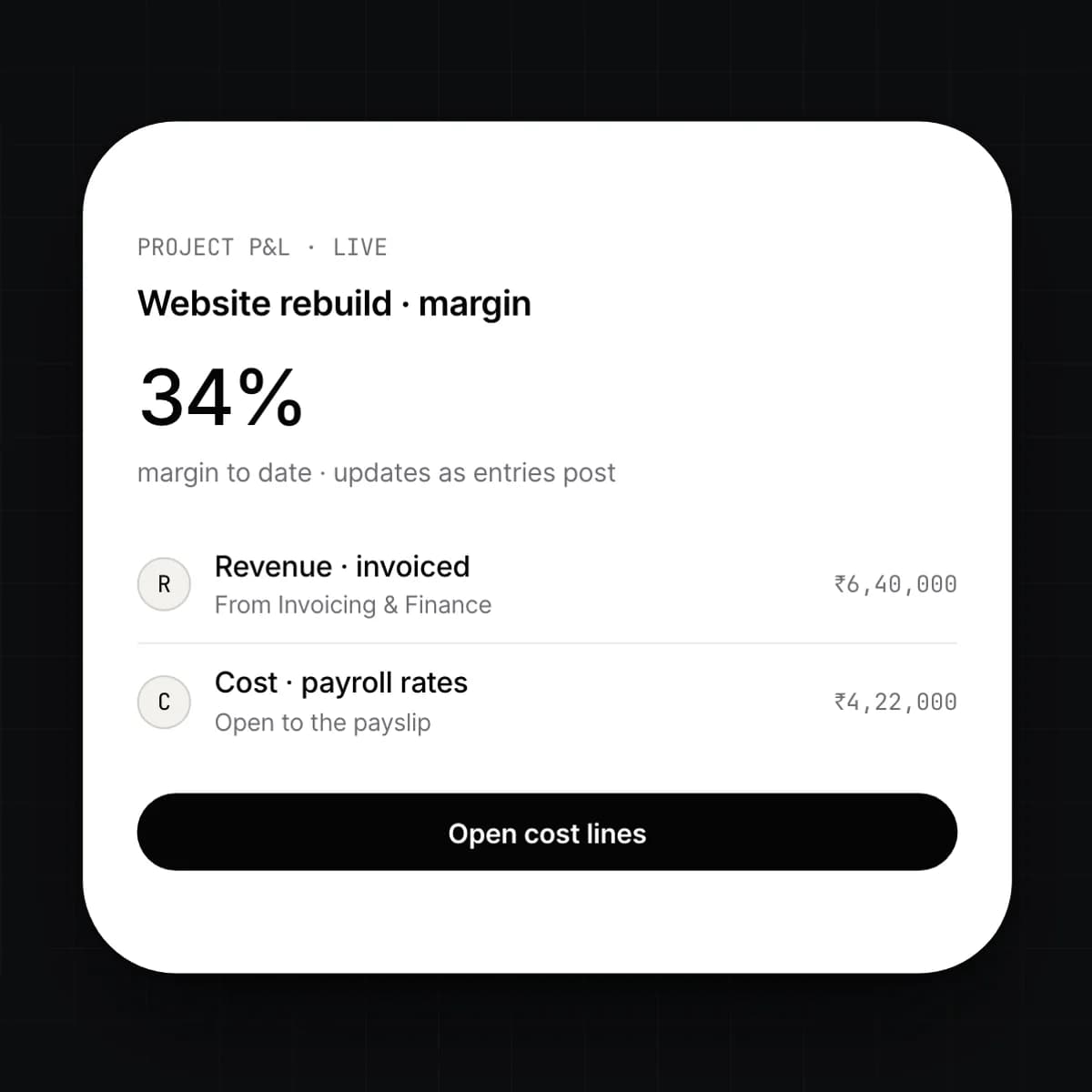
Revenue from the invoices, cost from payroll rates and purchase orders, on one statement per project. It updates as entries post, not at month end. Open any line to the hour, the payslip or the purchase behind it.
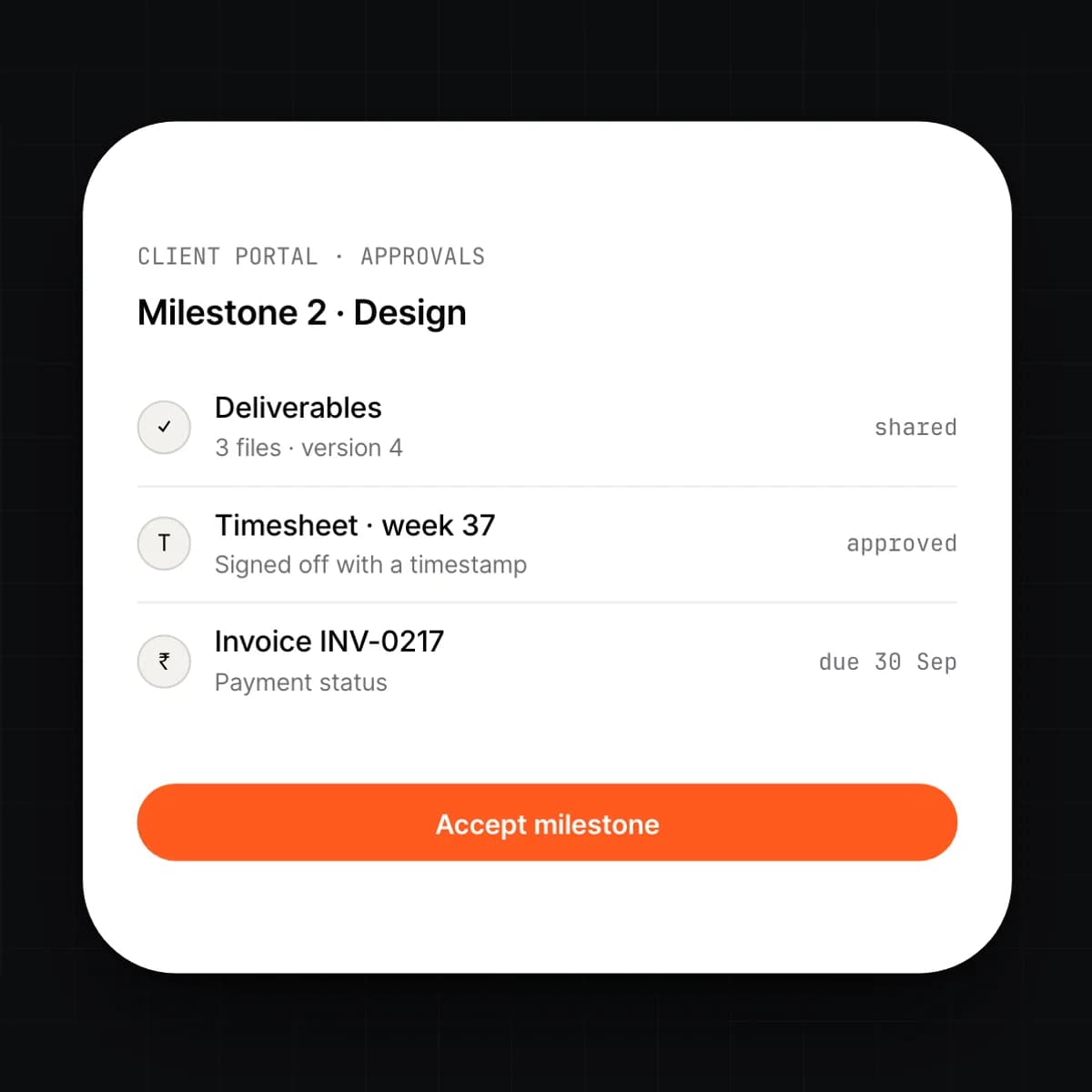
Clients see the plan, the progress and the invoices you choose to share, and nothing else. They approve a milestone, a timesheet or a change request in the portal and the approval posts to the project record.
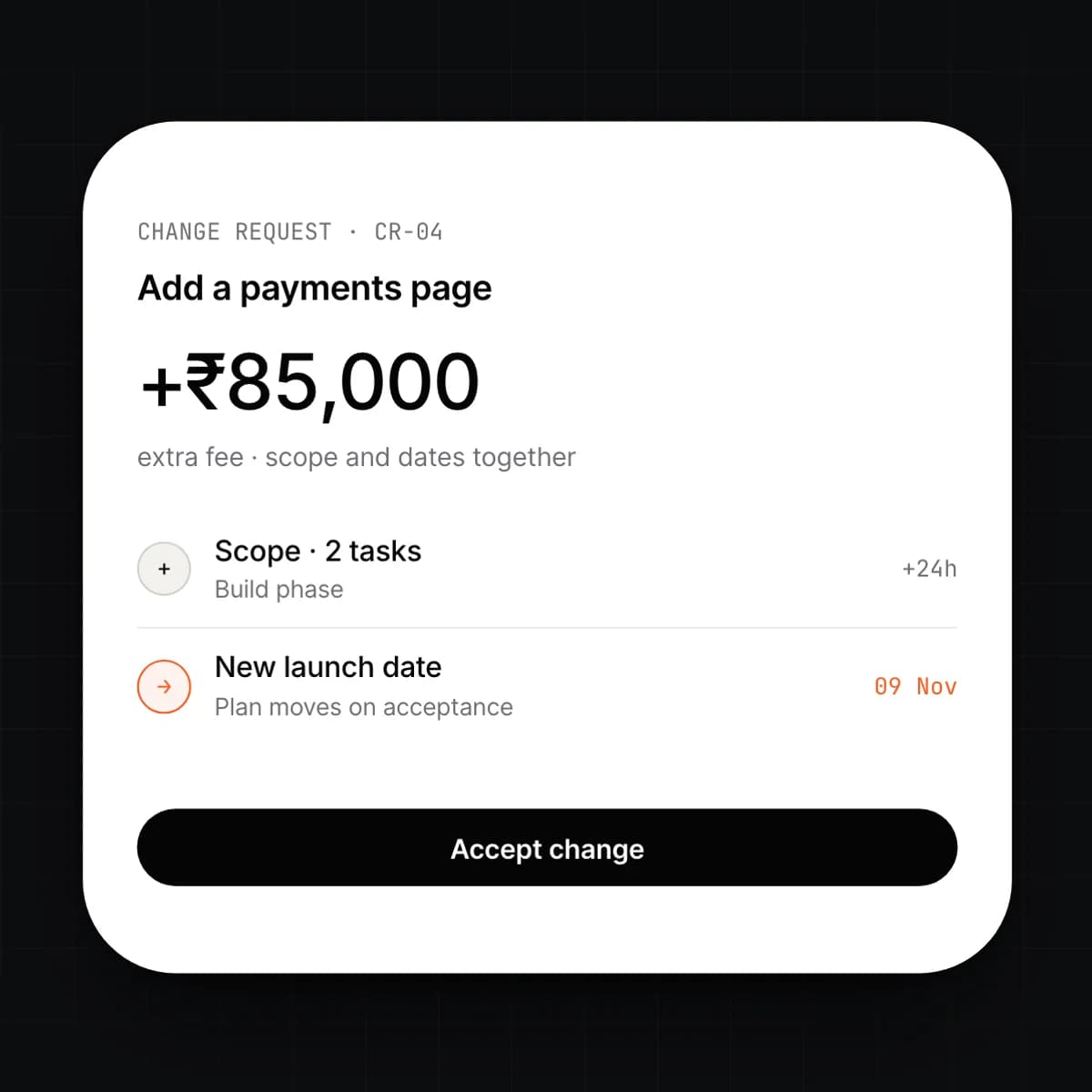
Deliverables attach to the phase they belong to, with versions. A change request captures the extra scope, the extra fee and the new dates together; once accepted it adjusts the plan and the budget in one step.
Capabilities
9 capabilities, one card each. Open any card to read it in full.
Workflow
One engagement, followed through the module. The plan, the time and the money share one record.
A won deal in CRM opens the project with the client, the fee and the deliverables already on it. The manager adds phases, tasks and a billing model per phase.
Capacity comes from HRMS: contracted hours minus leave. The plan shows who is free and flags anyone booked over their hours.
The team logs hours from the board or the timesheet. The manager approves the week; each approved entry now has a bill value and a cost value.
Approved time and delivered milestones become invoice drafts in Invoicing & Finance. Review, adjust, send.
Revenue, payroll cost and purchases meet on the project P&L as they post. Click any figure to reach the entry behind it.
Connected
Details
Questions
Yes. Each phase carries its own billing model, so discovery can be fixed fee, build can be time and materials and support can be a monthly retainer. Invoicing follows the phase.
From the employee record. Payroll gives the module each person's cost per hour, so the P&L uses what the person actually costs rather than a blended estimate. Rates are visible only to roles with finance access.
It is locked. The entry stays on the project with a link to the invoice line it went on. Corrections are made by a credit note and a new entry, so the history is never rewritten.
Yes, through the portal. A client sees the plan, progress, shared documents and invoices for their projects, and can approve milestones, timesheets and change requests there. Internal notes and rates never appear.
Yes. An internal project has a budget and costs but no billing model, so the P&L shows spend against budget rather than margin. Time and capacity work the same way.
A change request records the extra scope, fee and dates together. Once the client accepts it, the tasks are added to the plan, the phase budget increases and the fee schedule updates in one step.
Early access
We are onboarding a small number of companies this year. Tell us what you run today.