people

One employee record,offer letter to exit.

Every person in the company has one record. Their documents, attendance, leave, reviews and pay all hang off it, and Payroll reads it directly.

offer → onboarding → attendance → review → exit

HRMS · Overview

One record per person, and every people process is a view on it.

THE PROBLEM

Employee data lives in an HR tool, a spreadsheet the finance team keeps, a leave tracker and a folder of scanned documents. When someone's salary, manager or address changes, it changes in one place and drifts in the rest. Payroll finds out at month end, usually from an email. Nobody can say with confidence who reported to whom on a given date.

HOW SOLONOMOUS DOES IT

Solonomous keeps one record per person on the same ledger as the rest of the company. Every field is versioned: a salary change, a transfer or a new manager is an entry with an effective date, an author and an approval. Attendance, leave, reviews and documents are attached to that record rather than stored beside it. Payroll, Projects and Analytics read from it directly, so there is nothing to sync.

WHAT YOU GET

HR answers questions from the record instead of reconstructing them. Managers see their team as it is today, and as it was on any past date. Payroll starts from inputs that are already correct.

Capabilities

Everything the module does.

9 capabilities

  1. 01

    The employee record

    One record per person, created at offer and kept through exit. Every field carries its history, so a change in salary, title, manager or location is dated, attributed and reversible. The document vault sits on the record and knows when each document expires.
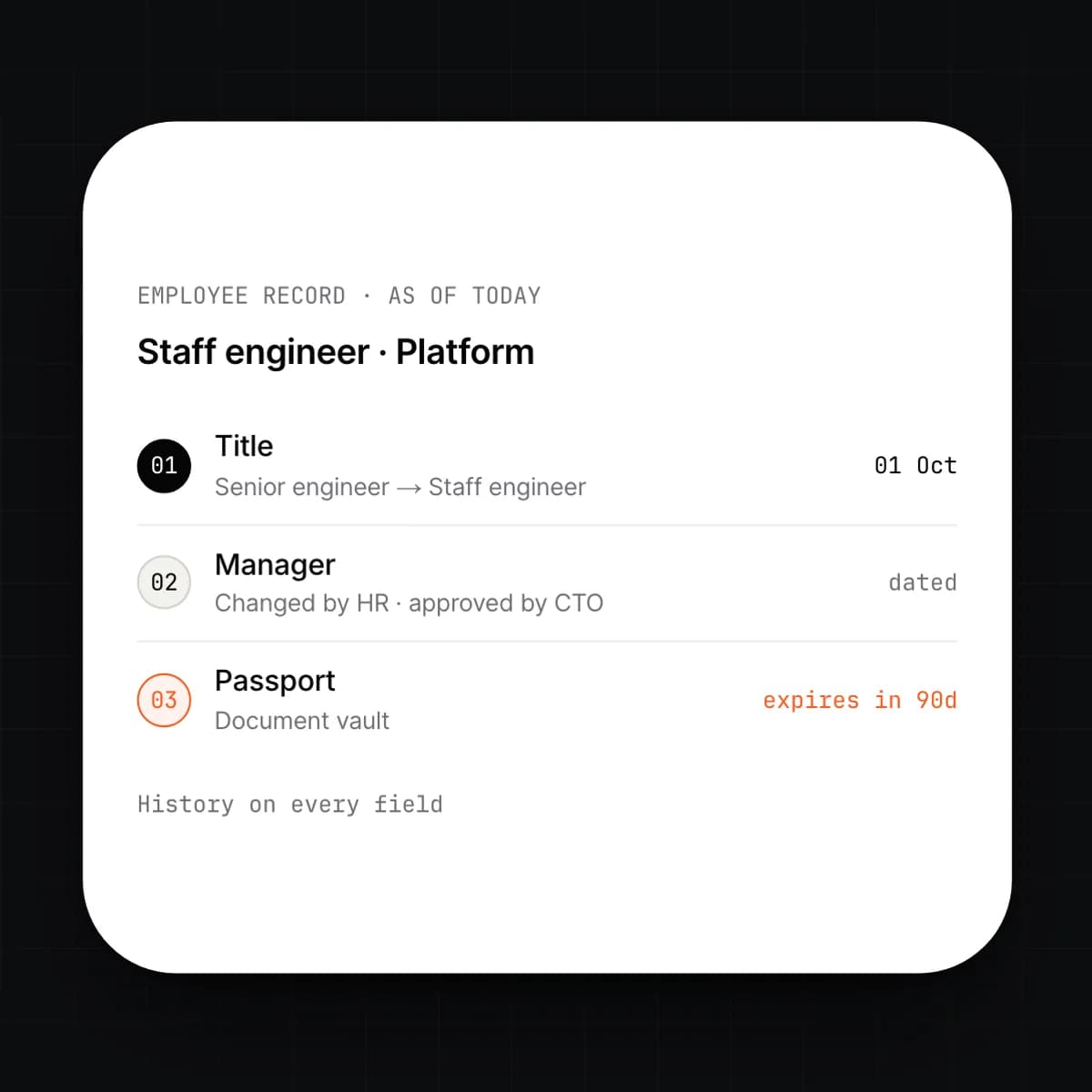
    • Effective-dated changes with an author and an approver
    • Custom fields per entity, department or grade
    • Document vault with expiry dates and renewal reminders
    • Point-in-time view of any record on any past date
  2. 02

    Onboarding and documents

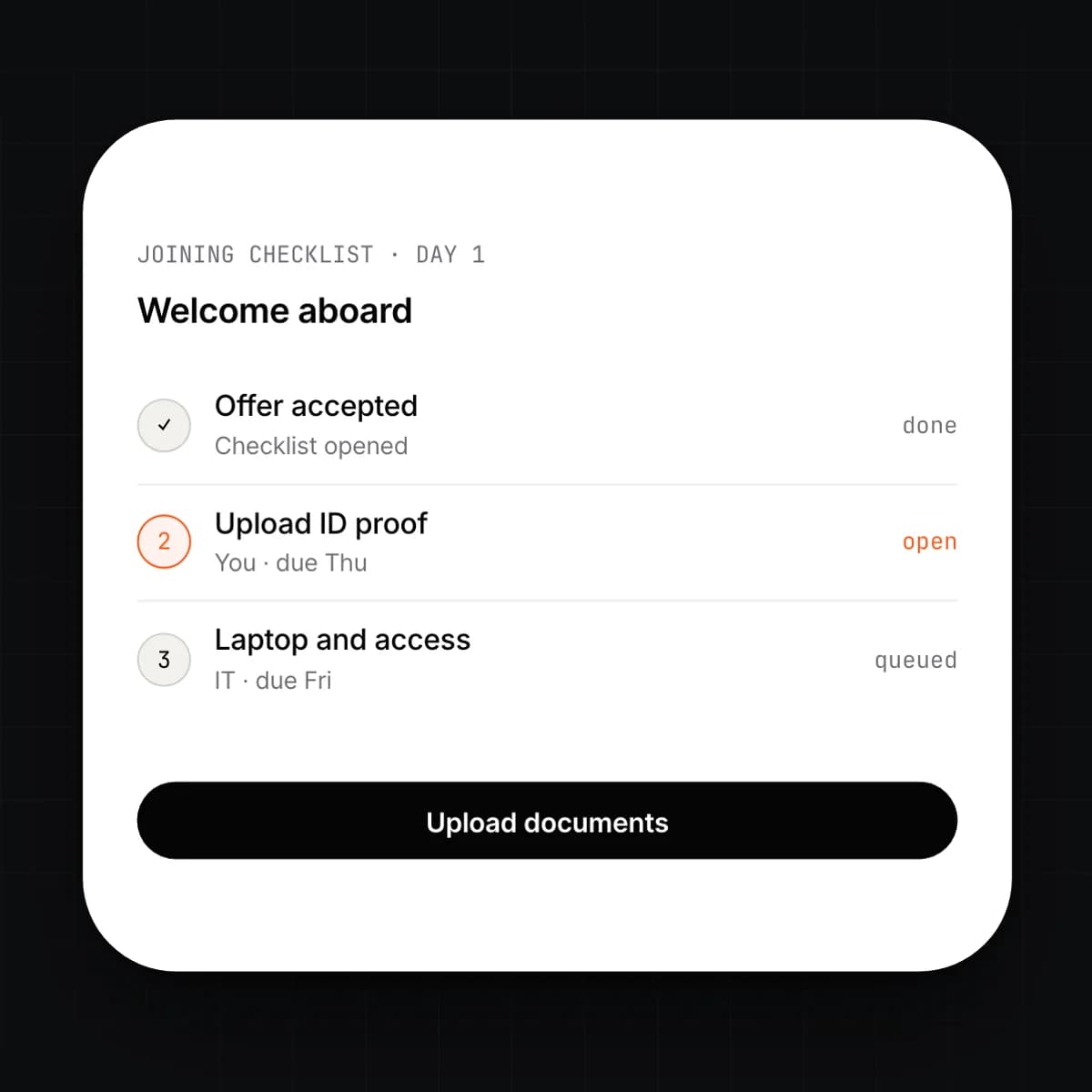
    Onboarding and offboarding are checklists that start when a record changes state. Accepting an offer opens the joining checklist; setting a last working day opens the leaving one. Each task has an owner and a due date, and document requests are tasks the new joiner completes from their own login.

    • Checklist templates per role, entity or location
    • Document requests with upload, review and sign-off
    • Tasks assigned to IT, finance, the manager or the joiner
    • Offboarding recovers assets, revokes access and hands the final settlement to Payroll
  3. 03

    Attendance and leave

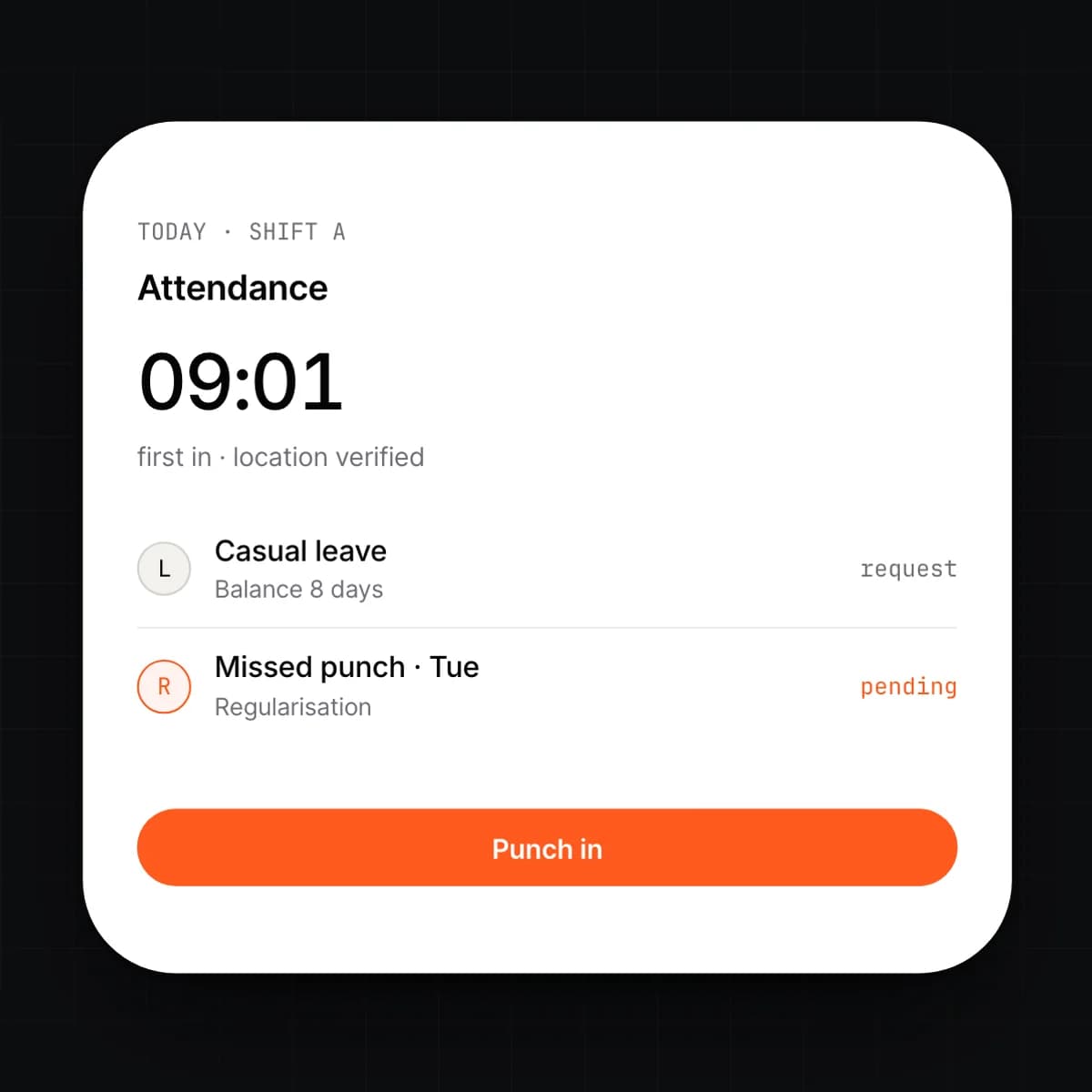
    Attendance is recorded from a browser, a phone or a device feed, and each day resolves to present, absent, on leave or on holiday. Leave is requested against a live balance and approved by the manager the org chart names. Both land on the record that Payroll reads.

    • Daily status per person, with the source of each entry
    • Leave requests checked against balance, notice and blackout rules
    • Approvals routed by reporting line, with delegation
    • Regularisation requests for missed punches, with an audit trail
  4. 04

    Shifts, rosters and device feeds

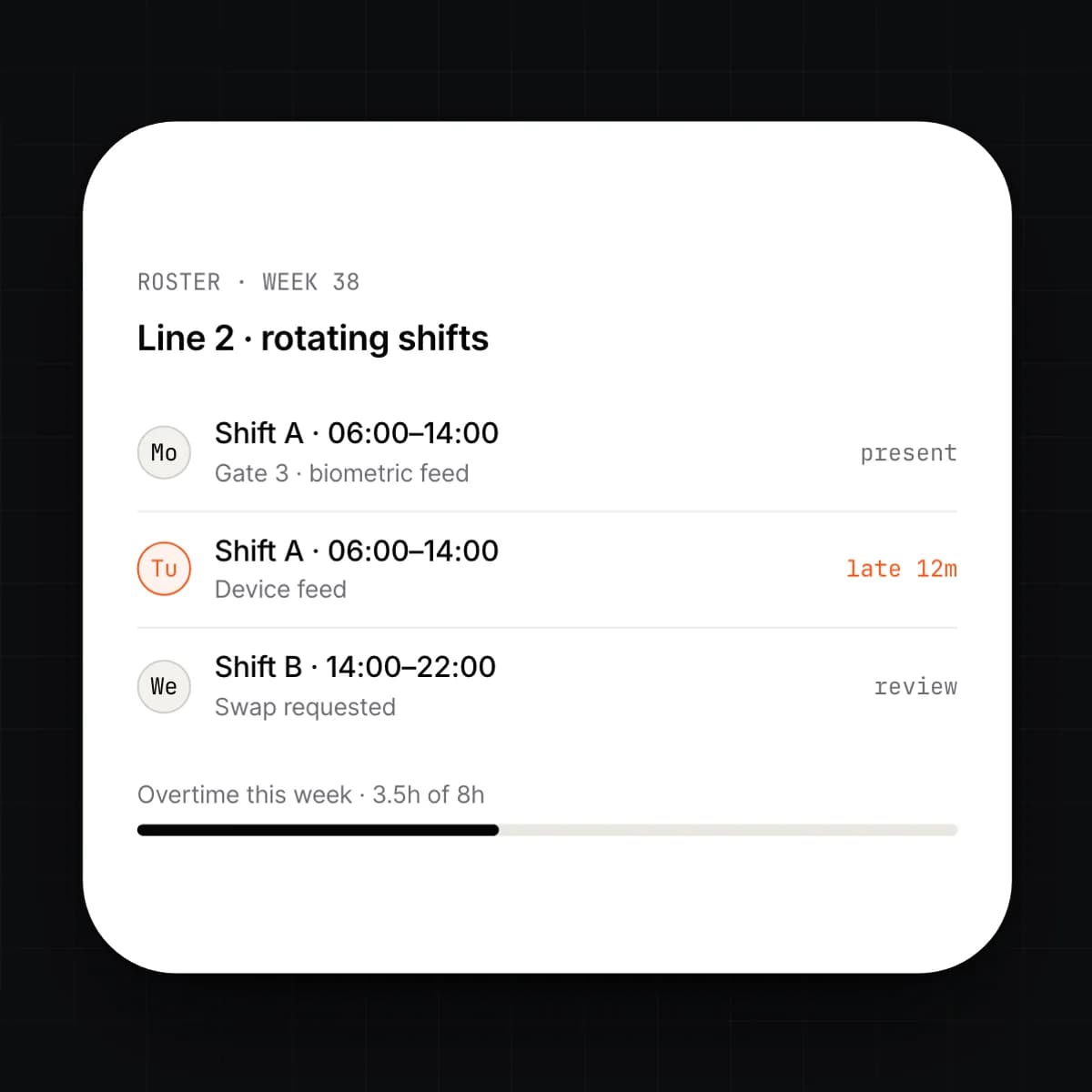
    Shift patterns are defined once and assigned to teams or individuals. Rosters are published ahead of time, and a change to a roster tells the people affected. Biometric and access-control devices push punches straight into attendance.

    • Fixed, rotating and flexible shift patterns
    • Rosters published by week or month, with swap requests
    • Device feeds by API or file import, matched to the record
    • Overtime and late marks computed from the assigned shift
  5. 05

    Reviews and org charts

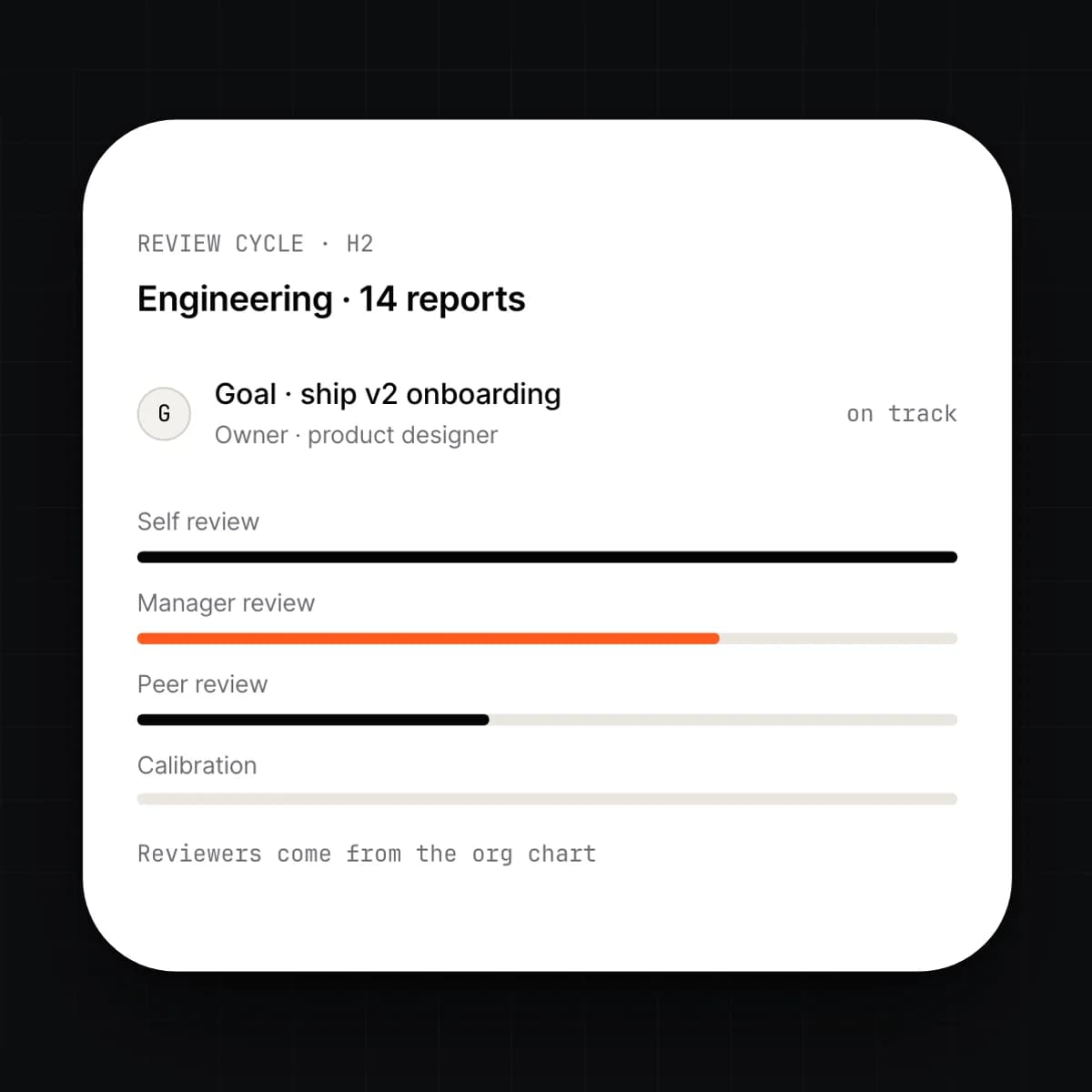
    The org chart is drawn from reporting lines on the record, so it is never out of date. Review cycles use those lines to decide who reviews whom. Goals are set per person, tracked through the cycle and carried into the review.

    • Org chart by reporting line, entity or cost centre, as of any date
    • Review cycles with self, manager and peer stages
    • Goals with owners, due dates and progress notes
    • Ratings calibrated by team before results are released
  6. 06

    Positions and headcount planning

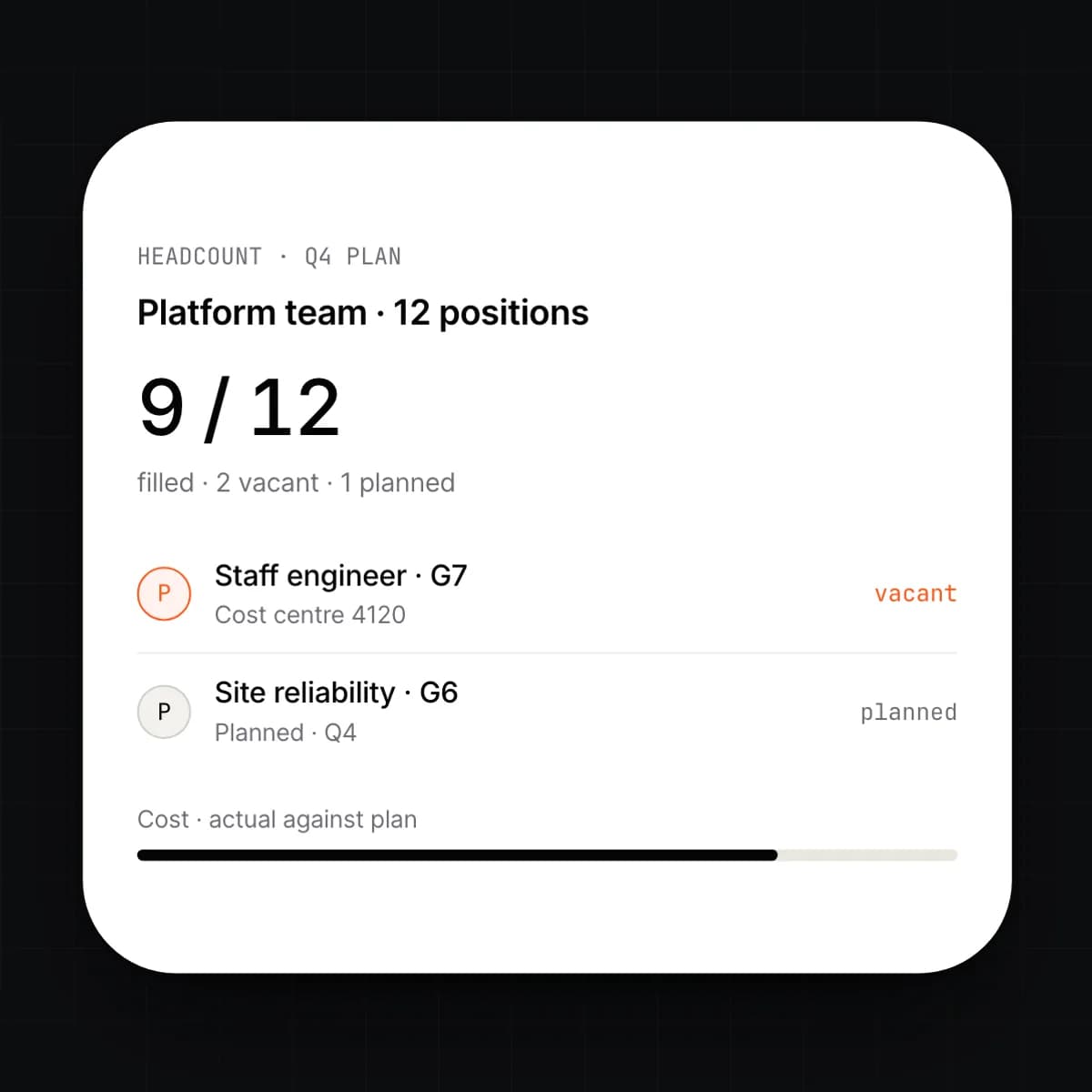
    A position is a budgeted seat with a grade, a cost centre and a cost. Positions can be filled, vacant or planned, so headcount is a plan against actuals rather than a count of people. The cost of a position comes from the pay structure attached to it.

    • Positions with grade, cost centre and reporting line
    • Vacancies and planned hires by quarter
    • Plan versus actual headcount and cost by team
    • A new hire is created into a position, not beside it
  7. 07

    Assets, expenses and reimbursements

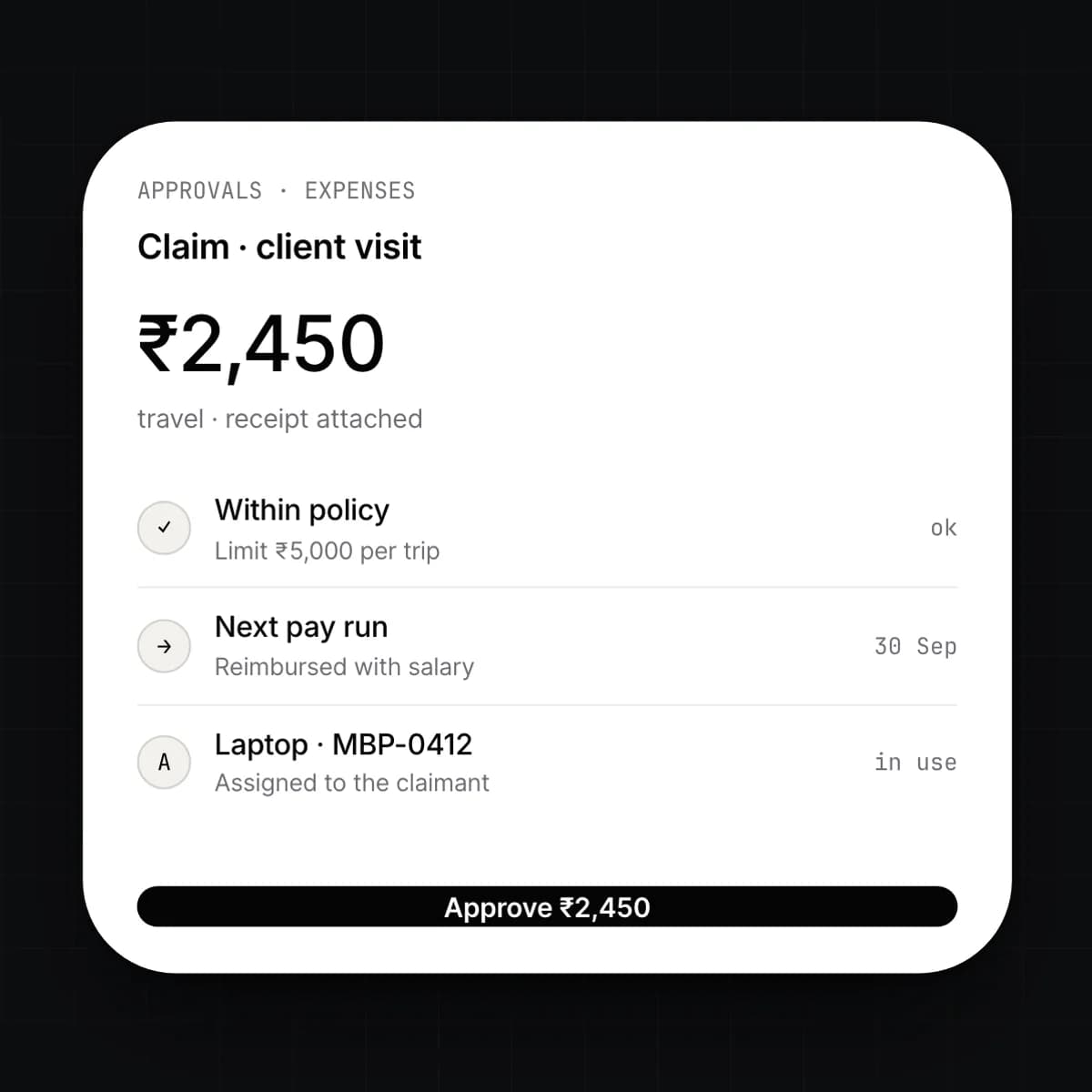
    Laptops, phones and access cards are assigned to a record and returned at exit. Employees submit expenses with a receipt against a policy, and the manager approves them. Approved amounts are queued for the next pay run or paid separately.

    • Asset register with assignment, condition and return
    • Expense claims with receipt capture and policy limits
    • Approval by amount, category or reporting line
    • Reimbursement through payroll or a direct payment
  8. 08

    Employee self-service and mobile

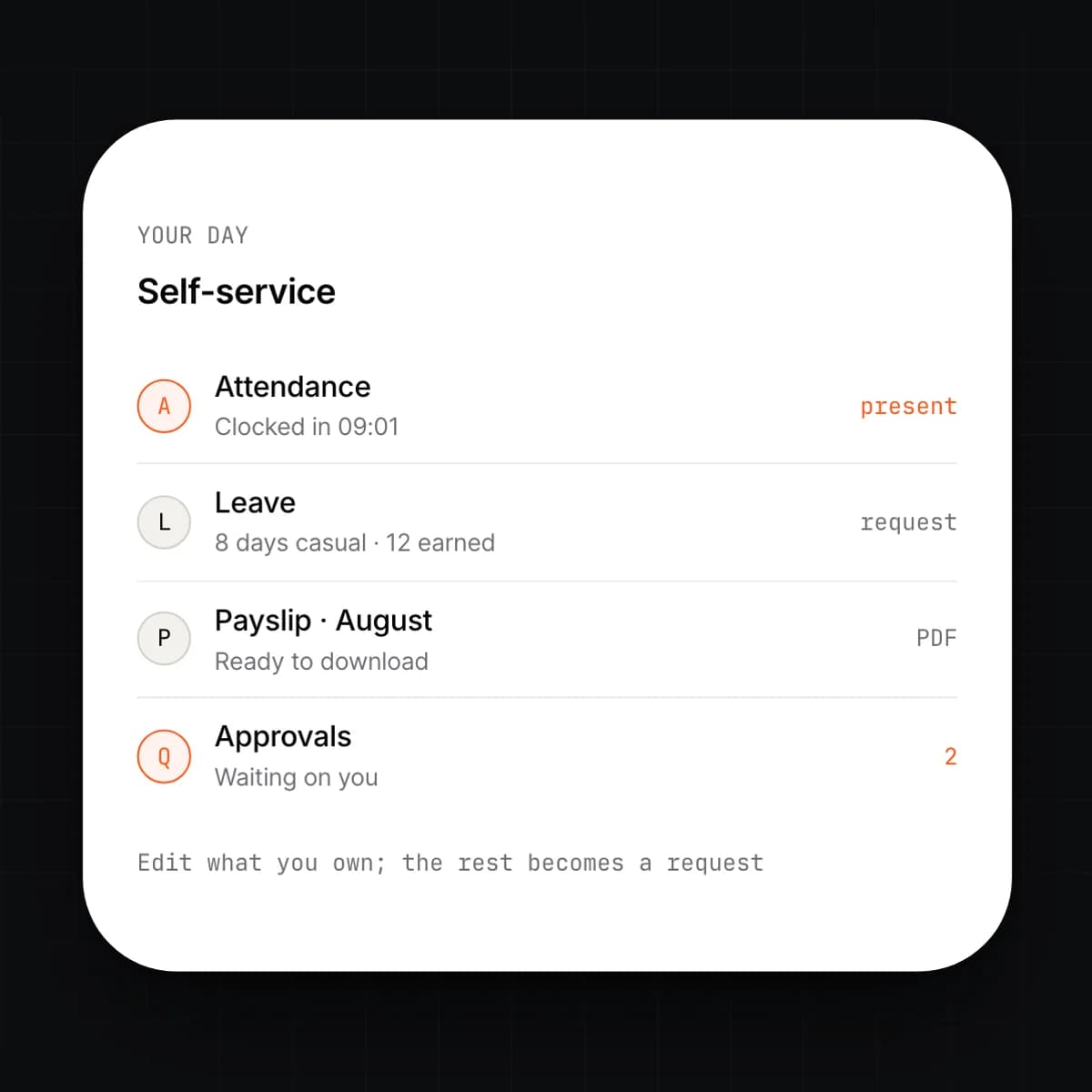
    Every employee has a login. From it they see their own record, request leave, mark attendance, submit expenses, download payslips and update the details they own. Managers see the same for their team, and approvals arrive as a queue.

    • Leave, attendance, expenses and documents in one place
    • Manager queue for approvals, with a full history
    • Employees edit the fields you allow; the rest become requests
    • Mobile web with clock-in, requests and payslips
  9. 09

    Letters, compliance and audit

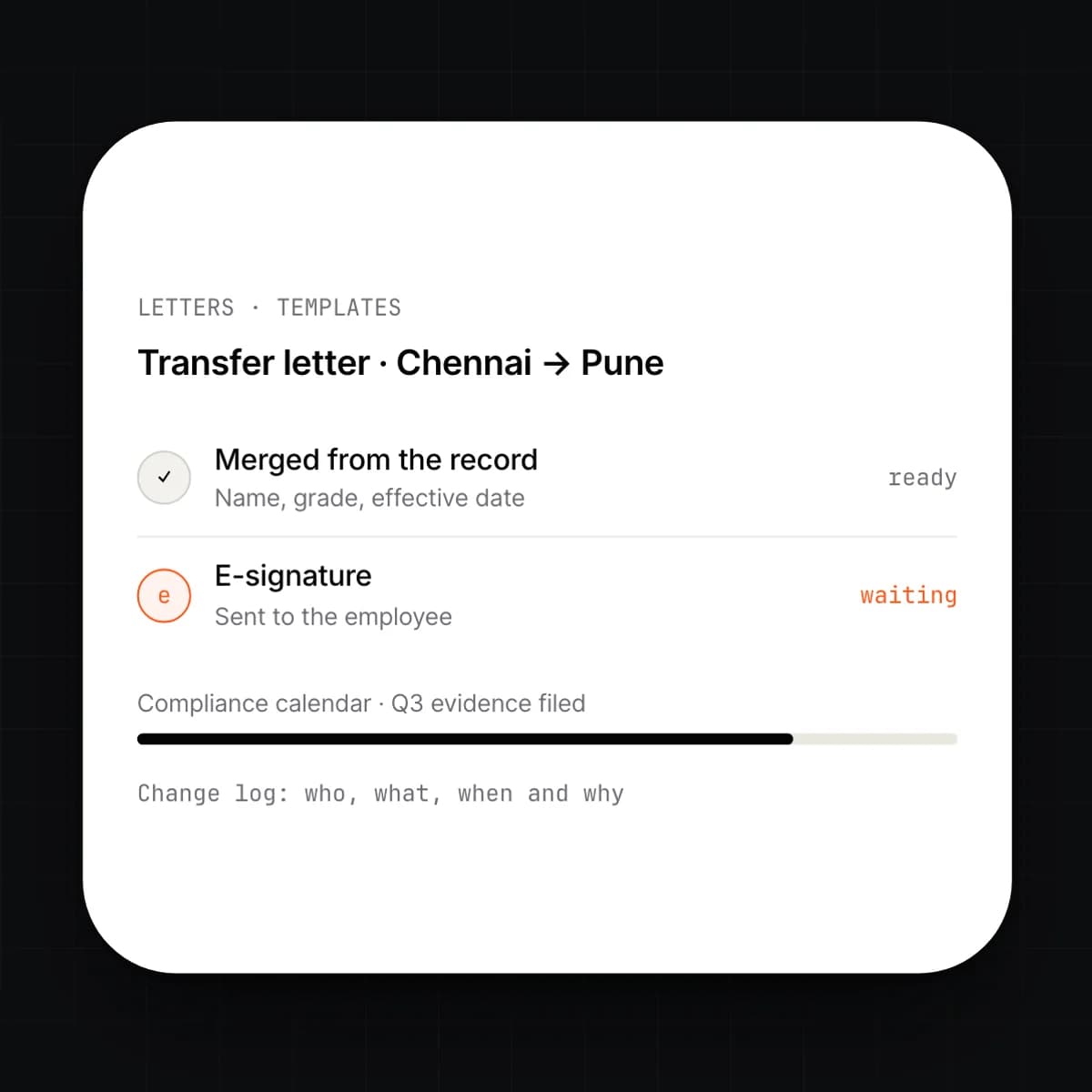
    Offer letters, confirmations, transfers and relieving letters are generated from templates filled with the record. Compliance items your country requires are tracked with due dates and evidence. Every change to a record is a ledger event, so an audit is a query rather than a project.

    • Letter templates with merge fields and e-signature
    • Compliance calendar with owners and evidence uploads
    • Change log per record: who, what, when and why
    • Exports for regulators, auditors or a legacy system

Capabilities

Every HRMS feature, at a glance.

9 capabilities, one card each. Open any card to read it in full.

Workflow

A hire, from offer to first payslip

Everything below happens on one record. The only thing anyone types is the offer.

  1. 01

    The offer goes out.

    HR picks a vacant position. The offer letter is generated from the position's grade and pay structure, and sent for signature.

  2. 02

    The record is created.

    The signed offer creates the employee record with a start date. The onboarding checklist opens, and the joiner receives a login.

  3. 03

    Documents and day one.

    The joiner uploads identity and bank documents from their login. IT assigns a laptop, the manager confirms the shift, and access is provisioned.

  4. 04

    Attendance and leave start.

    Punches arrive from the device or the phone. Leave accrues from the start date under the policy the position carries.

  5. 05

    Payroll runs the record.

    At month end, Payroll reads the pay structure, attendance and leave straight from the record. The first payslip lands in self-service.

Details

On the spec sheet.

Records
One per person; effective-dated fields; full history
Attendance
Web, mobile and device feeds; daily status per person
Leave
Policies per entity or grade; accrual, carry-over and encashment
Reviews
Cycles with self, manager and peer stages; goals and calibration
Org
Reporting lines, positions and cost centres, as of any date
Self-service
Every employee; manager queue for approvals; mobile web
Documents
Vault per record with expiry, e-signature and letter templates
Permissions
Per-field roles; managers see their reporting line only
Imports
Assisted, from spreadsheets or a legacy HR system

Questions

Asked before signing.

Does HRMS work without Payroll?

Yes. HRMS runs on its own for records, onboarding, attendance, leave and reviews. When you turn Payroll on, it reads the record you already have. Nothing is migrated or re-entered.

How does attendance get in from our biometric devices?

Devices push punches by API, or you import the device's export file on a schedule. Each punch is matched to the record by employee code and resolved against the assigned shift. Unmatched punches are listed for review rather than dropped.

Can leave policies differ by entity, location or grade?

Yes. A policy is a set of rules for accrual, carry-over, notice and encashment, and it is assigned by entity, location, grade or individual. A person's balance is always computed from the policy that applied on each date.

What can an employee change on their own record?

That is a permission you set per field. Typically an employee edits their contact details and bank account directly, and everything else becomes a request that HR approves. Every edit and every request is logged.

Can we see the org chart as it was six months ago?

Yes. Reporting lines and positions are effective-dated, so the org chart, headcount and cost can be drawn as of any date. Reviewers and auditors use the same history.

How do we get our existing employee data in?

Through an assisted import from spreadsheets or an export of your current HR system. Your columns are mapped to the record, loaded into a staging area, and you see what will change before anything is written. Documents come across with their expiry dates.

Early access

One platform to run an entire organization.

We are onboarding a small number of companies this year. Tell us what you run today.