01
Event-sourced ledger
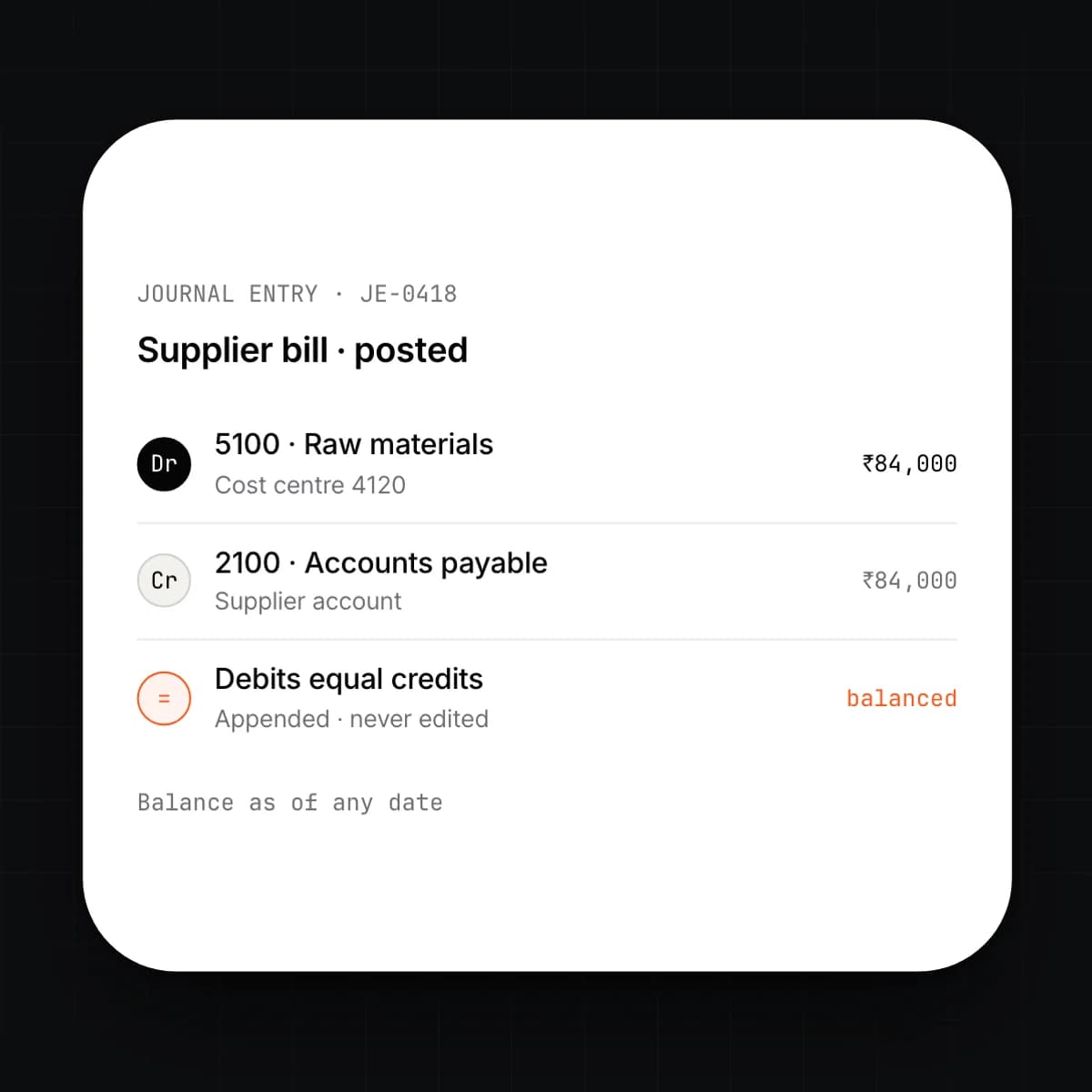
You post a transaction. The system appends it as an event with balanced debit and credit lines and never edits it again. Balances are computed from the events, so the books can be read as of any date.
ledger
ERP Core is the double-entry record of everything the company does. CRM, payroll, stock and invoicing do not keep their own books; they post to this one.
event → journal → balance → close → lock
THE PROBLEM
Most companies keep several ledgers without meaning to. Sales has its numbers, the warehouse has its numbers, and finance rebuilds both in a spreadsheet at month end. Corrections overwrite the original, so nobody can say what a figure was last Tuesday. Close takes weeks because the reconciliation is between systems, not within one.
HOW SOLONOMOUS DOES IT
ERP Core stores every business event as an immutable, double-entry journal entry. Balances, reports and module screens are computed from those events, never stored separately. A correction is a new entry that reverses the old one, so history stays intact. Entities, currencies and periods are properties of the ledger, not add-ons to it.
WHAT YOU GET
You get one number for anything, and it is the same number on every screen. Close is a check that the entries tie, not a search for where they disagree. Every figure traces back to the entry that produced it.
Capabilities
9 capabilities
You post a transaction. The system appends it as an event with balanced debit and credit lines and never edits it again. Balances are computed from the events, so the books can be read as of any date.
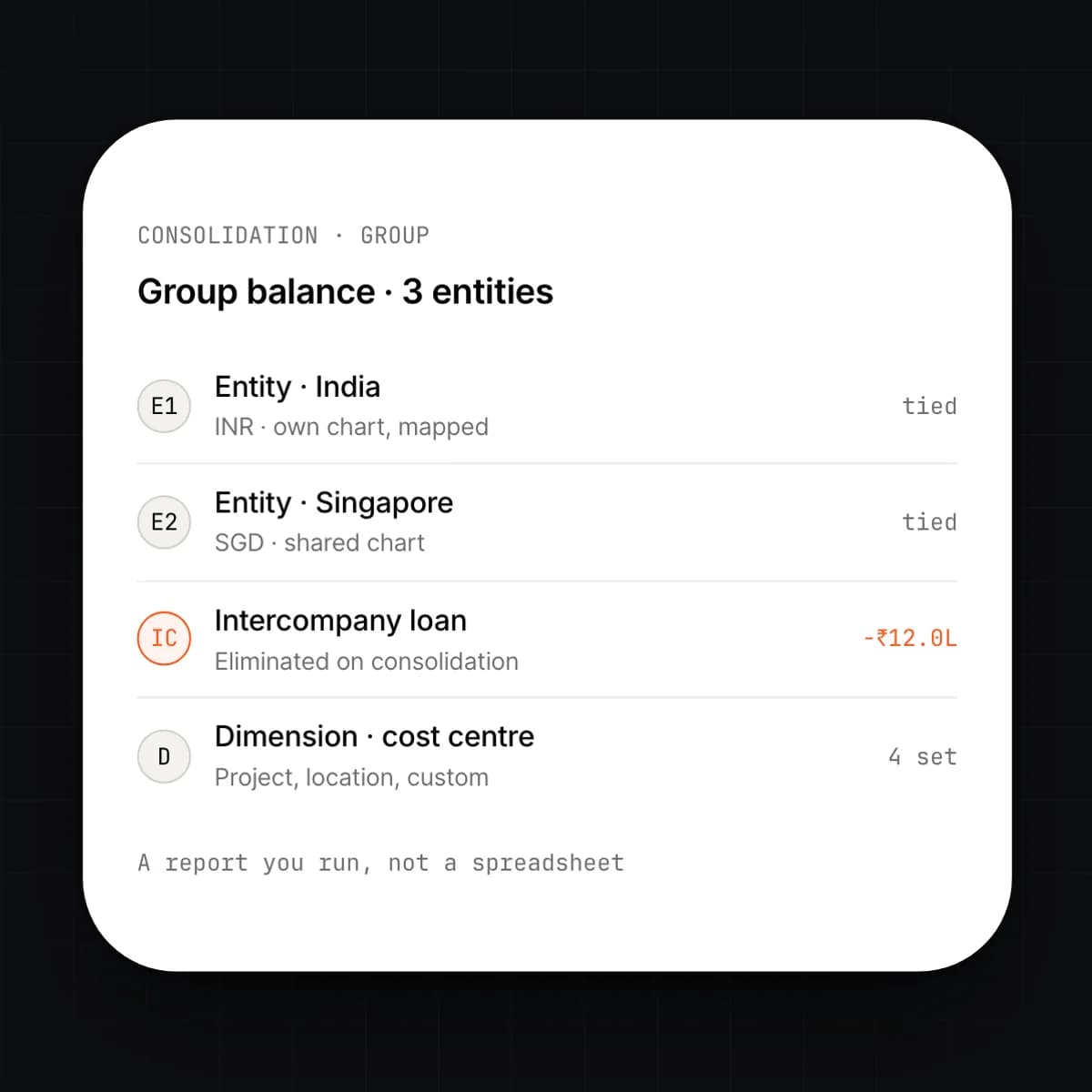
Build one chart of accounts or one per entity, with mappings between them. Consolidation runs on the events themselves: intercompany lines eliminate, and the group balance is a report you run, not a spreadsheet you build.
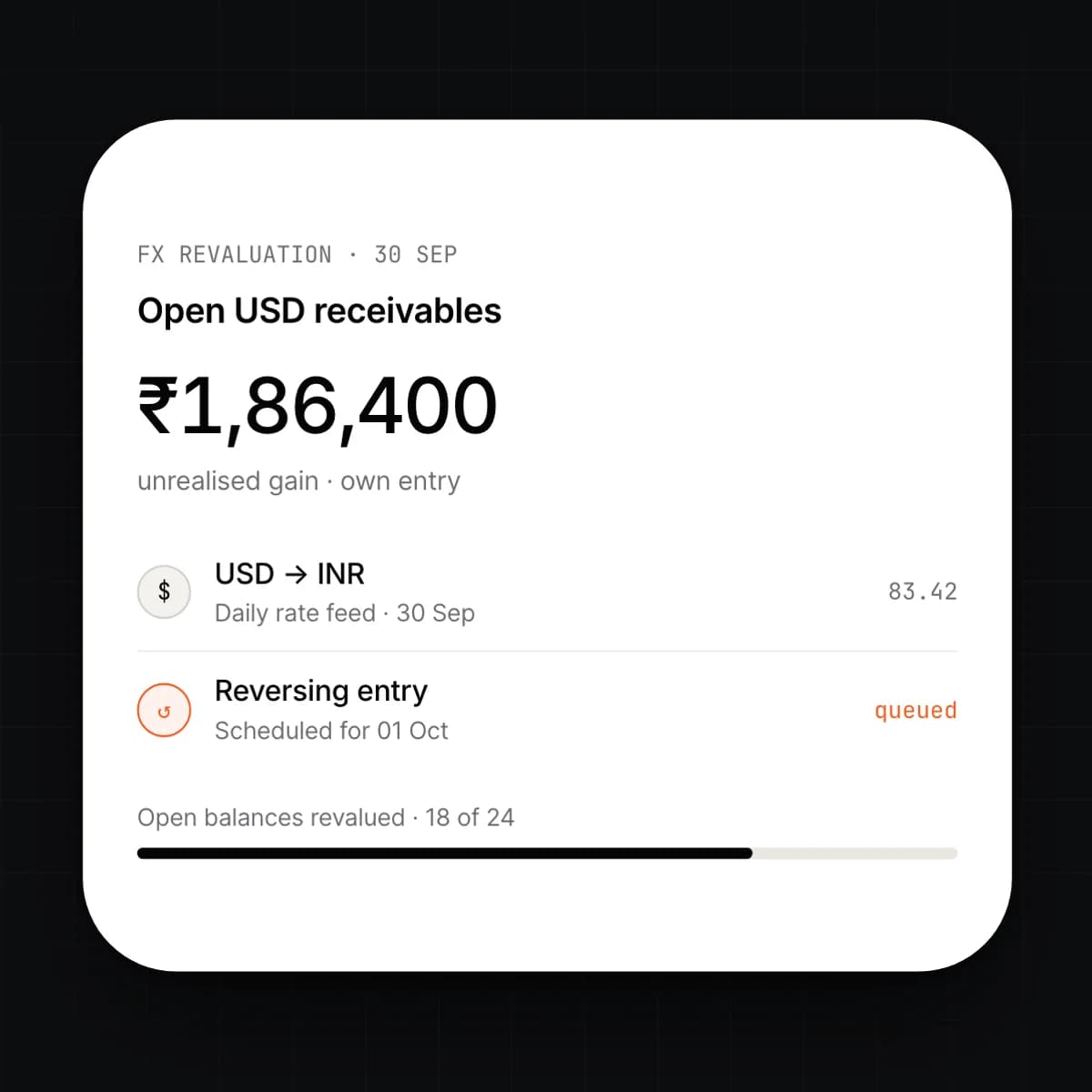
Every line records its transaction currency, the entity's functional currency and the rate used. You schedule a revaluation and the system posts the unrealised gain or loss on open balances as its own entry, ready to reverse when they settle.
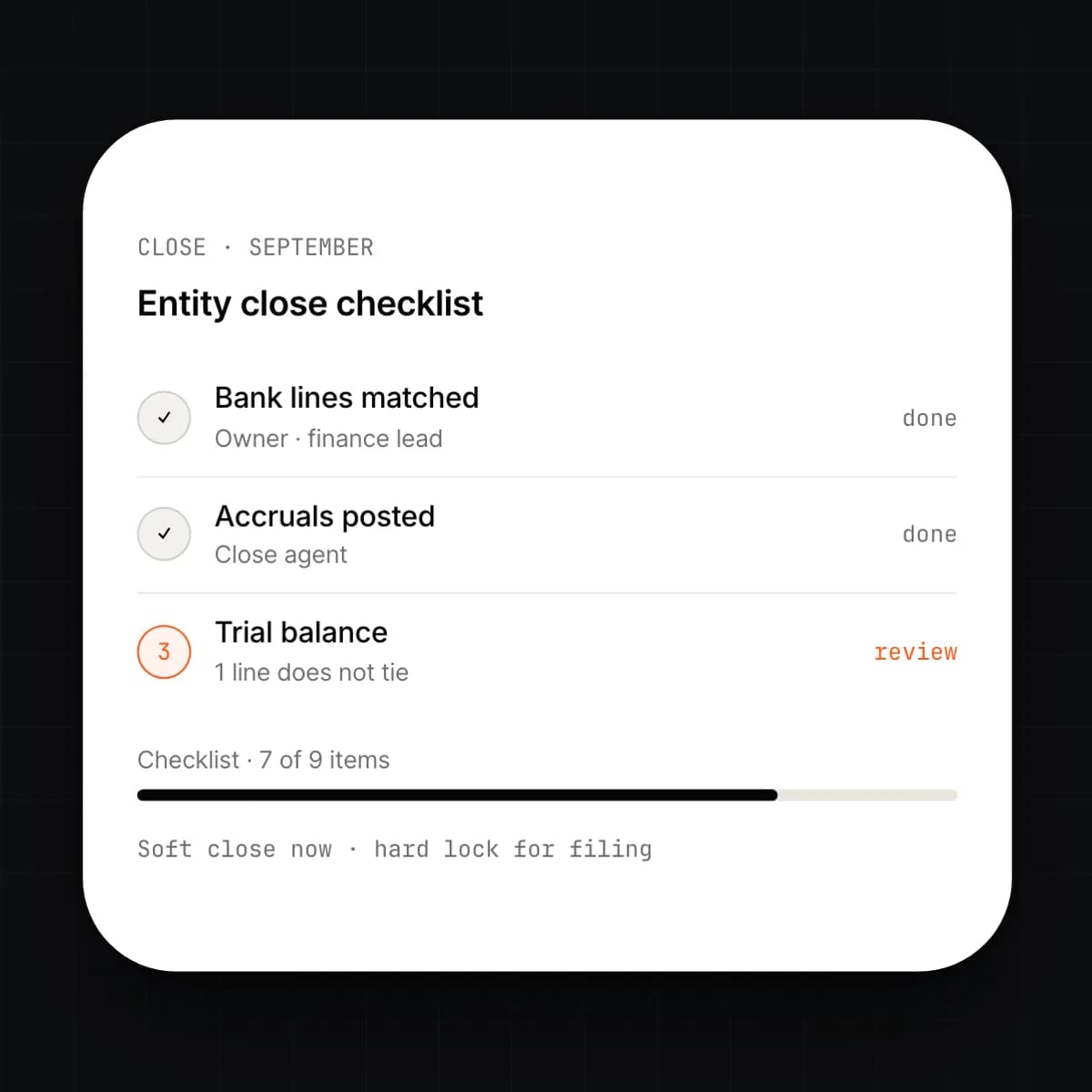
Close is a checklist the system runs, not a search. Bank lines match, accruals post, and the trial balance either ties or shows the line that does not. You lock the period; the lock is itself an entry.
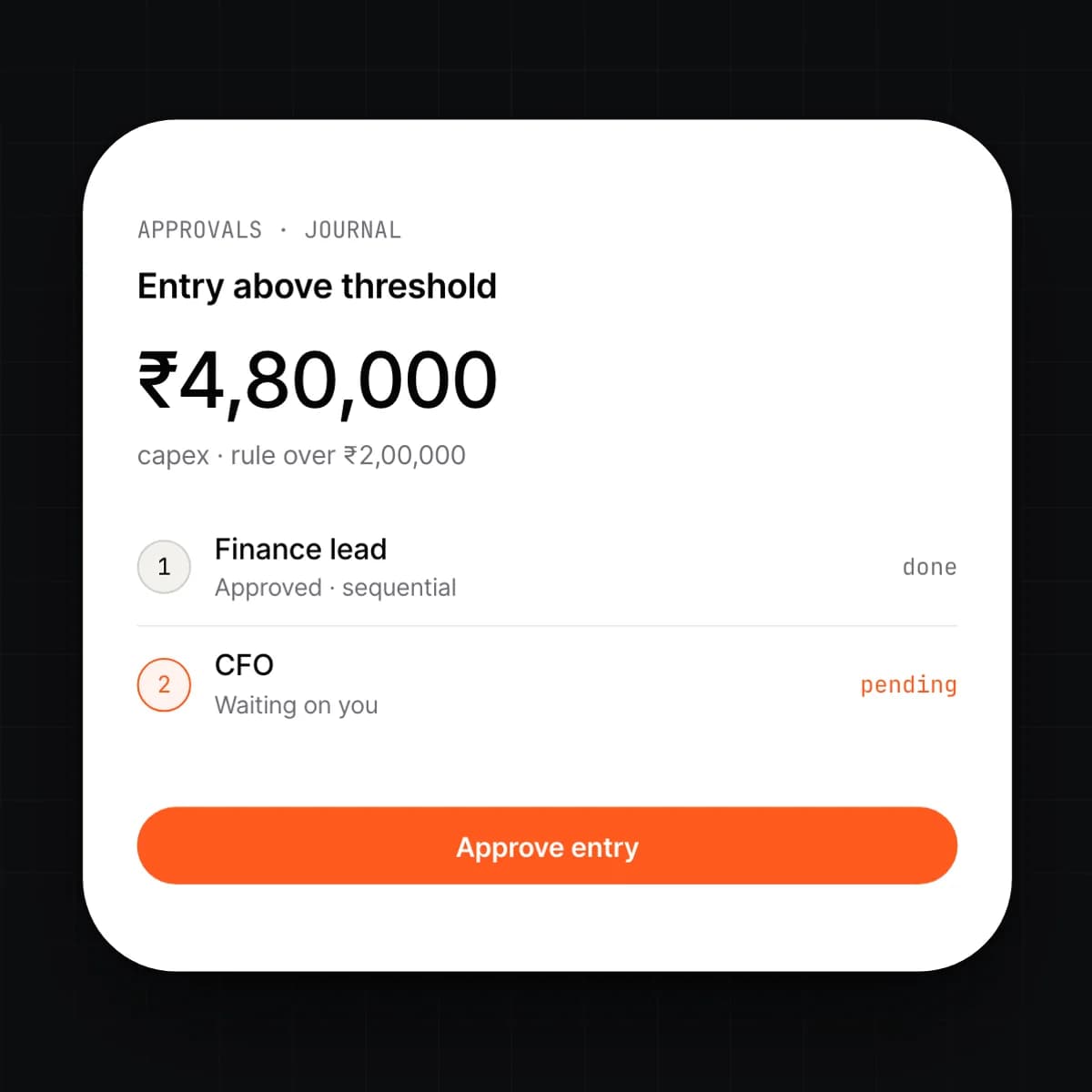
You set the rules: amount thresholds, account ranges, vendor changes, discount limits. An entry that trips one stops with the approver you named and posts when they approve. Everything else posts straight away.
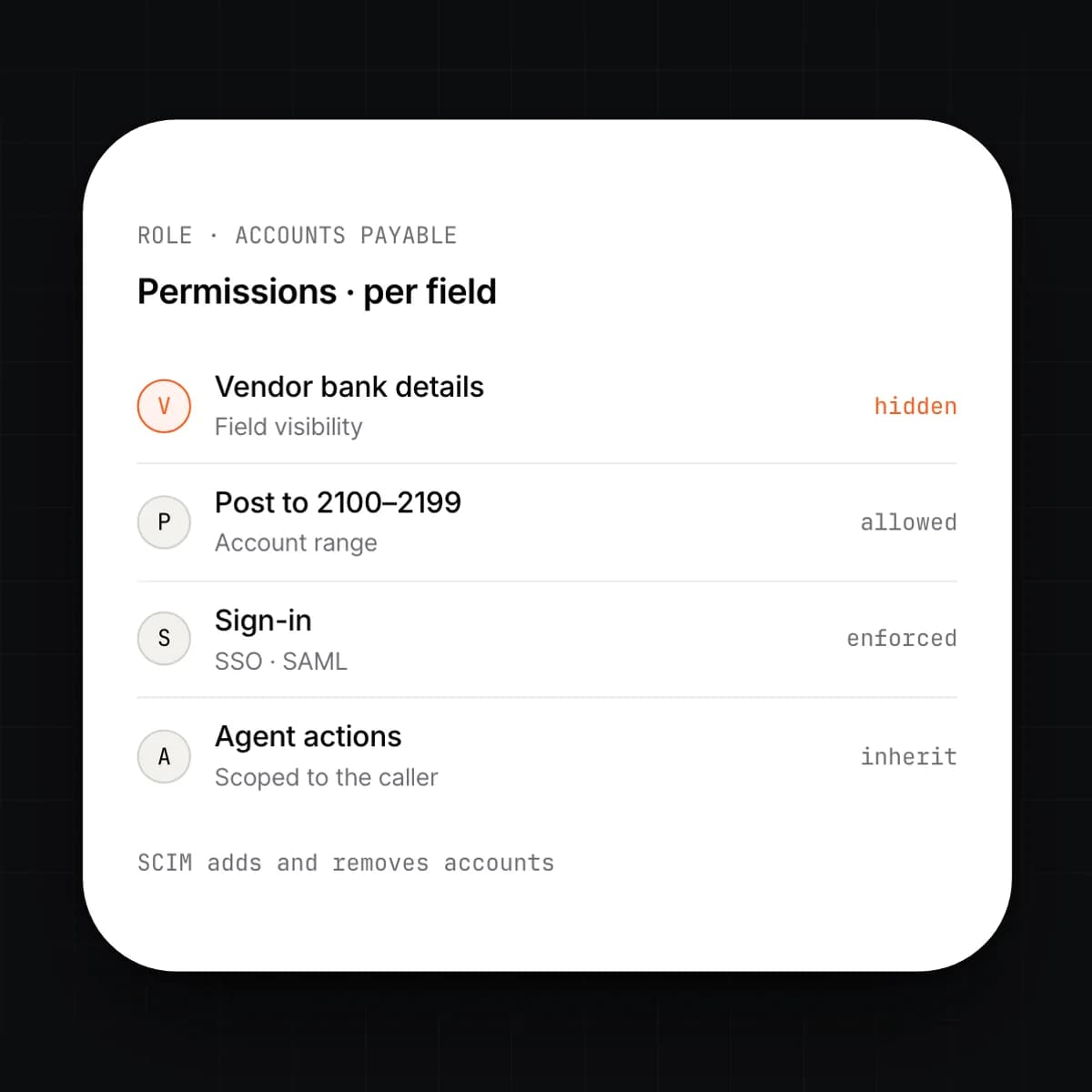
Roles decide what a person can see and post, down to the field. Sign-in runs through your identity provider, and SCIM creates and removes accounts as people join and leave. Agents act with the permissions of the person who asked.
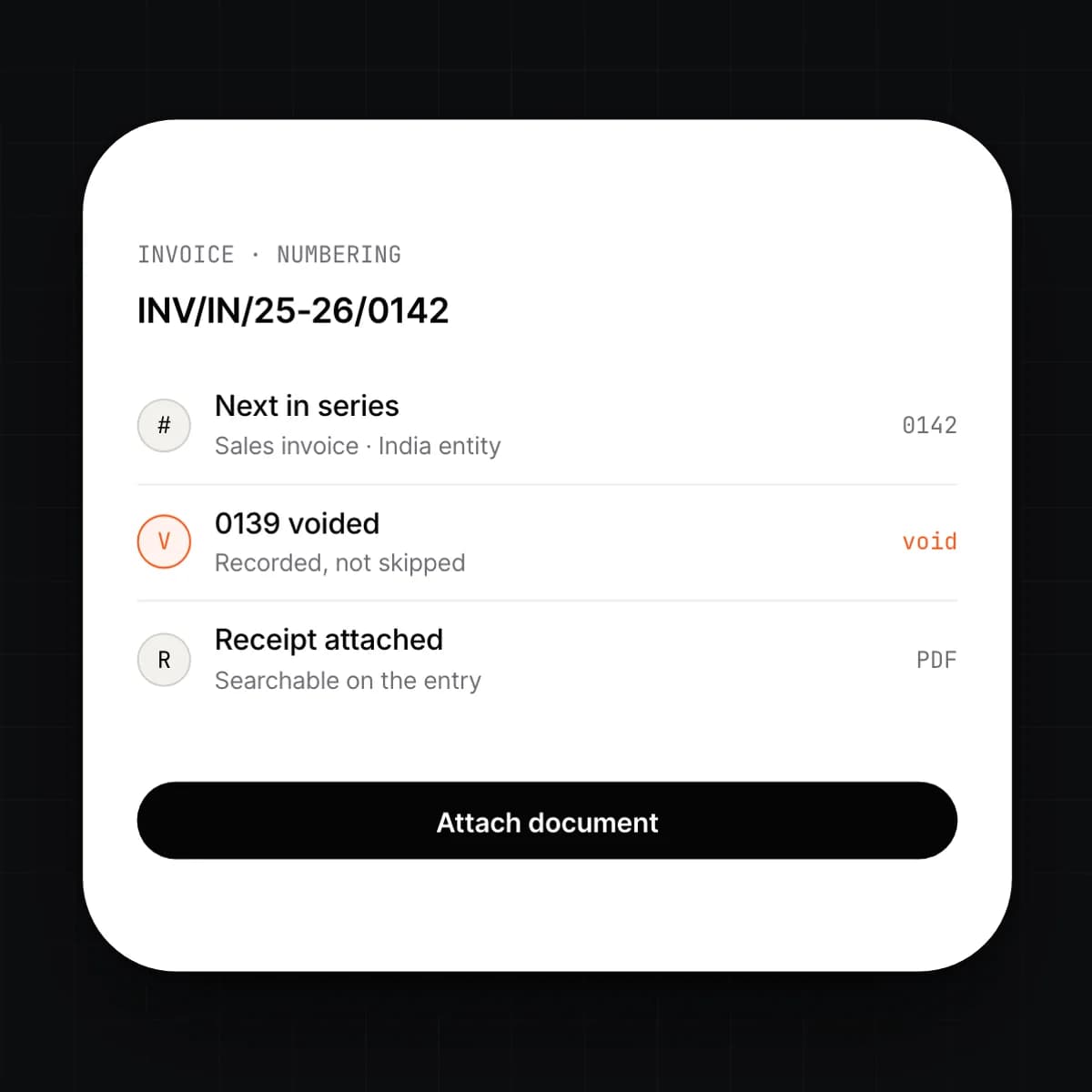
Invoices, receipts, contracts and supporting files attach to the entries they justify. Numbering series are defined per document type and entity, and the system issues the next number in sequence with no gaps.
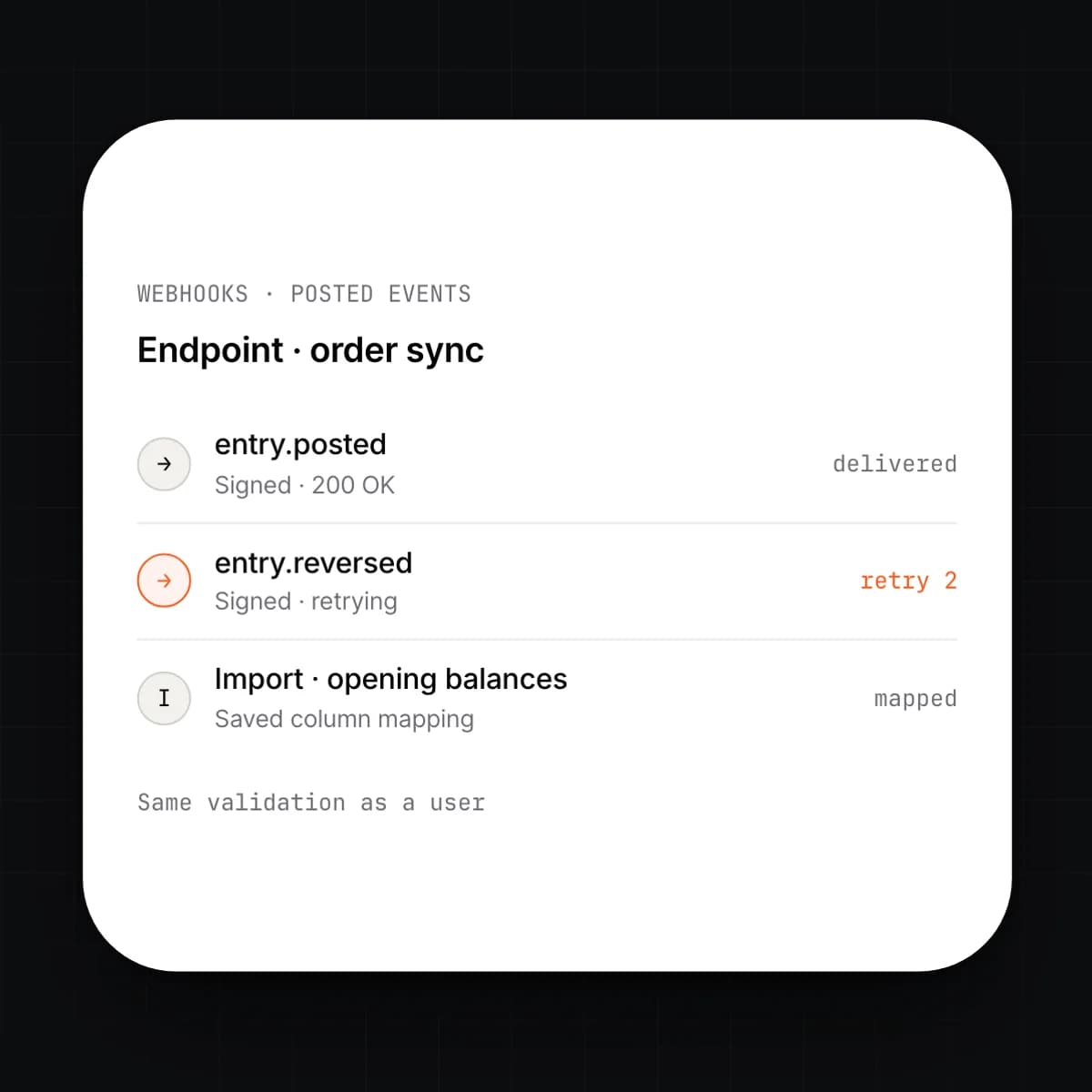
Anything that can call an endpoint can post an entry, subject to the same validation and permissions as a user. Webhooks fire on every event. Imports map a spreadsheet's columns to accounts once and reuse the mapping.
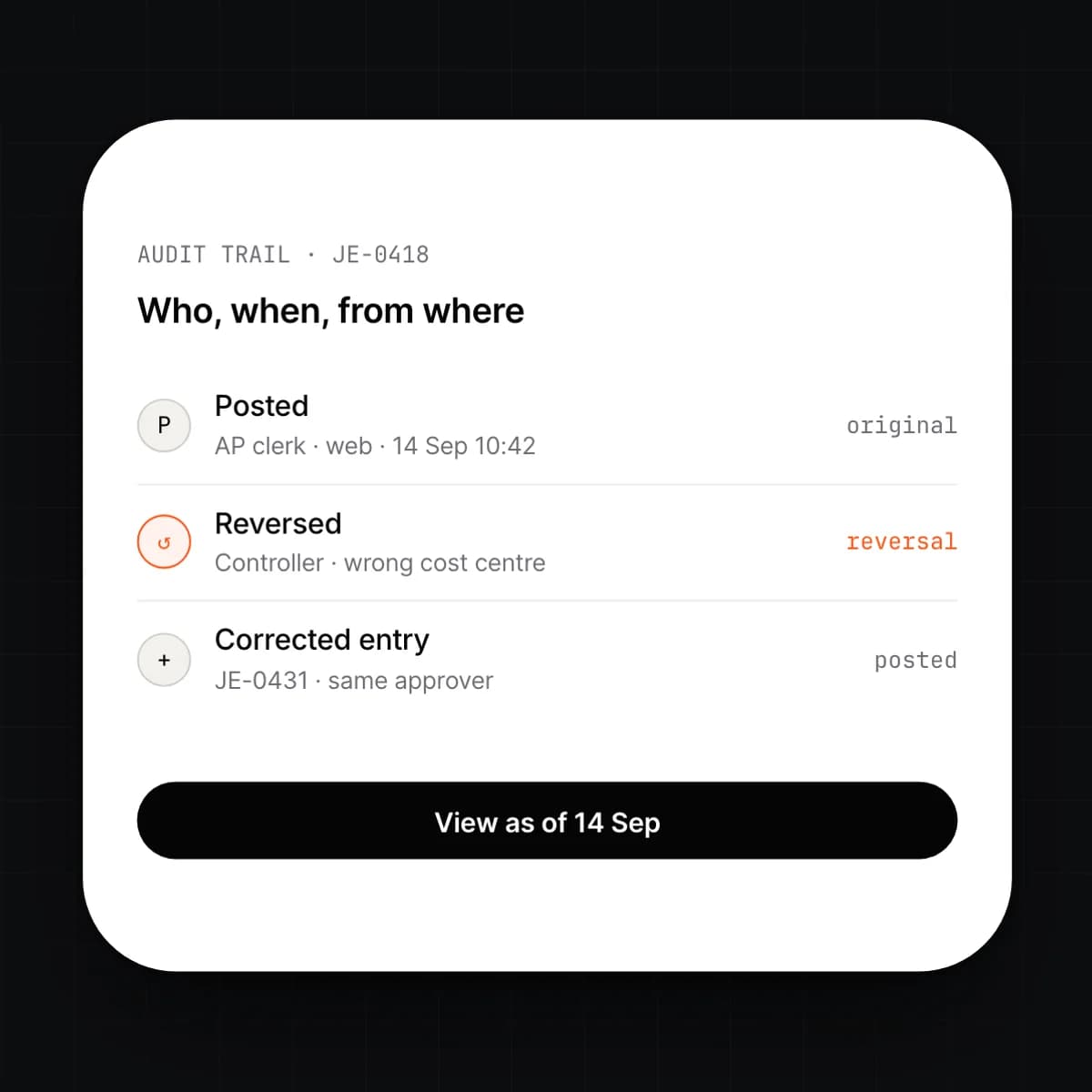
Every entry carries who posted it, when, from where and under which rule. A correction is a reversing entry plus a new one; the original stays. Any report can be run as of the moment before a change.
Capabilities
9 capabilities, one card each. Open any card to read it in full.
Workflow
What a month looks like when the books are one ledger.
Invoices, payslips, stock movements and bank lines post as events the moment the module that owns them records them. Nothing waits for finance.
Entries above a threshold or outside policy stop with the approver you named. Everything else posts.
Bank feeds match against open entries. The Close agent lists what it could not match and who should look at it.
Depreciation, prepayments, accruals and FX revaluation post as their own entries. The trial balance ties, or it shows you the line that does not.
You lock the period. Nothing posts into it again without a reopen, and every reopen is itself recorded.
Connected
Details
Questions
Yes, if your role allows it. Reopening records who did it, why, and when, and the period must be locked again afterwards. Entries posted during the reopen are flagged in the audit trail so a reviewer can find them.
An accounting package keeps a ledger for finance and takes exports from everything else. Here the ledger is the system: CRM, payroll, stock and projects post to it directly and read from it. There is no import step and no second copy to reconcile.
Nothing is overwritten. A correction posts a reversing entry and, if needed, a new one. Both stay visible and attributed, and any report can be run as of the moment before the correction.
No. ERP Core runs on its own as the ledger and chart of accounts. Add modules as you need them; each one starts posting to the same ledger from the day it is switched on.
In the region you choose, on cloud, in your private VPC, or on your own hardware. Data does not leave that region. You can export everything, at any time, in open formats.
Yes. Anything that can call the REST or GraphQL API can post entries, subject to the same validation and permissions as a user. Webhooks fire on every event so other systems can react to what was posted.
Early access
We are onboarding a small number of companies this year. Tell us what you run today.