01
Leads and capture
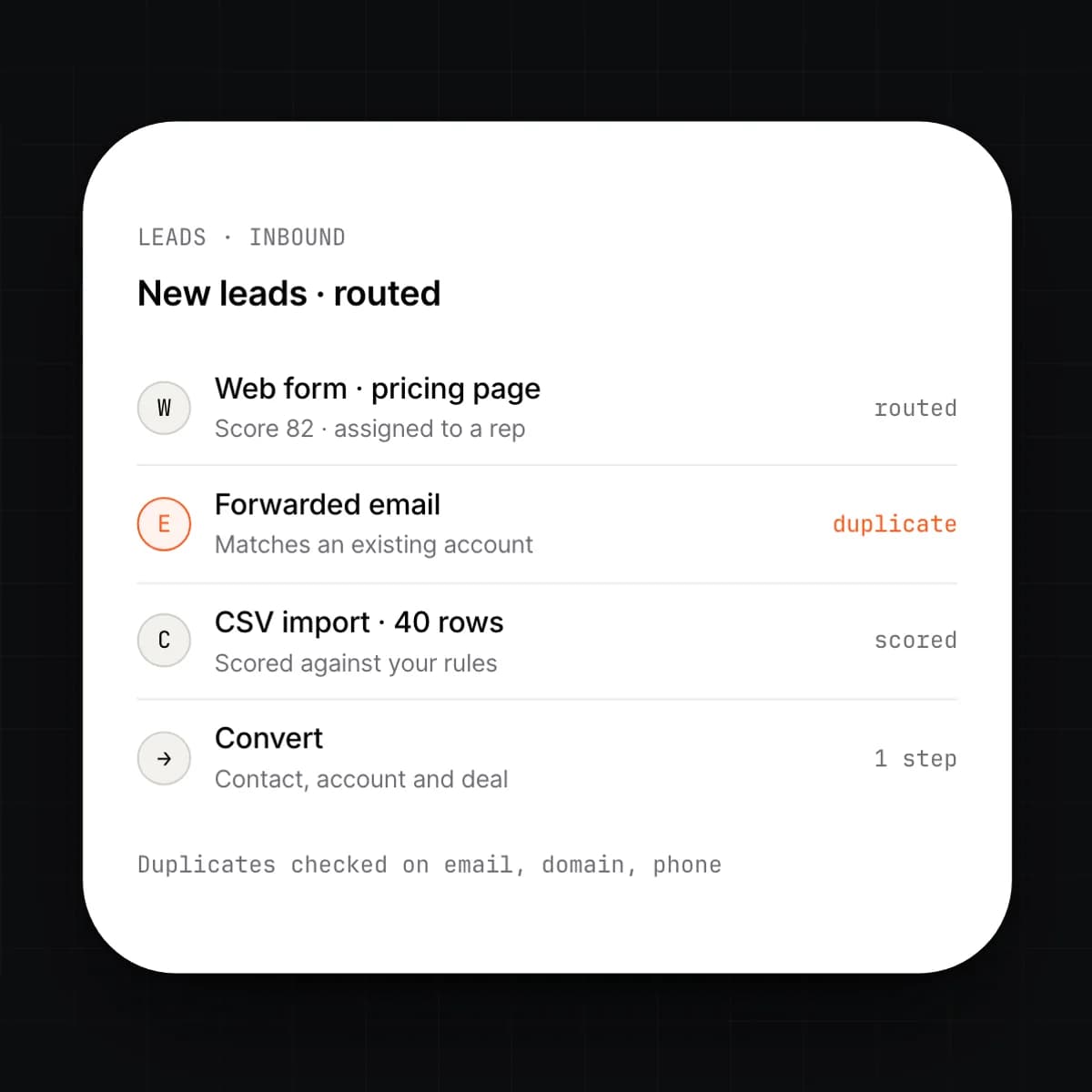
Leads arrive from web forms, forwarded email, a CSV or the API. The system checks each one against existing contacts and accounts, scores it against the rules you set, and routes it to an owner.
revenue
Solonomous CRM runs the pipeline on the same ledger as invoicing, stock and payroll. A won deal becomes an order, an invoice and a commission line without anyone retyping it.
lead → deal → quote → order → invoice → cash
THE PROBLEM
In most companies the CRM is where the truth stops. A deal is marked won, someone re-keys it into the order system, someone else raises the invoice, and finance learns what was actually sold when the cash arrives. Reps see a pipeline; nobody sees whether the customer paid last time. The forecast lives in a spreadsheet because the CRM does not know what shipped.
HOW SOLONOMOUS DOES IT
Solonomous CRM stores deals, quotes and activities on the same ledger as invoices, stock and payments. A quote is priced from live stock and cost. Marking it signed creates the order, reserves the stock and issues the invoice as one event. The account view reads receivables and payment history straight from the ledger, not from a nightly sync.
WHAT YOU GET
Reps sell against real stock and real prices. Finance sees revenue the moment it is recognised. The forecast is the pipeline itself, weighted by stage, with no spreadsheet in between.
Capabilities
9 capabilities
Leads arrive from web forms, forwarded email, a CSV or the API. The system checks each one against existing contacts and accounts, scores it against the rules you set, and routes it to an owner.
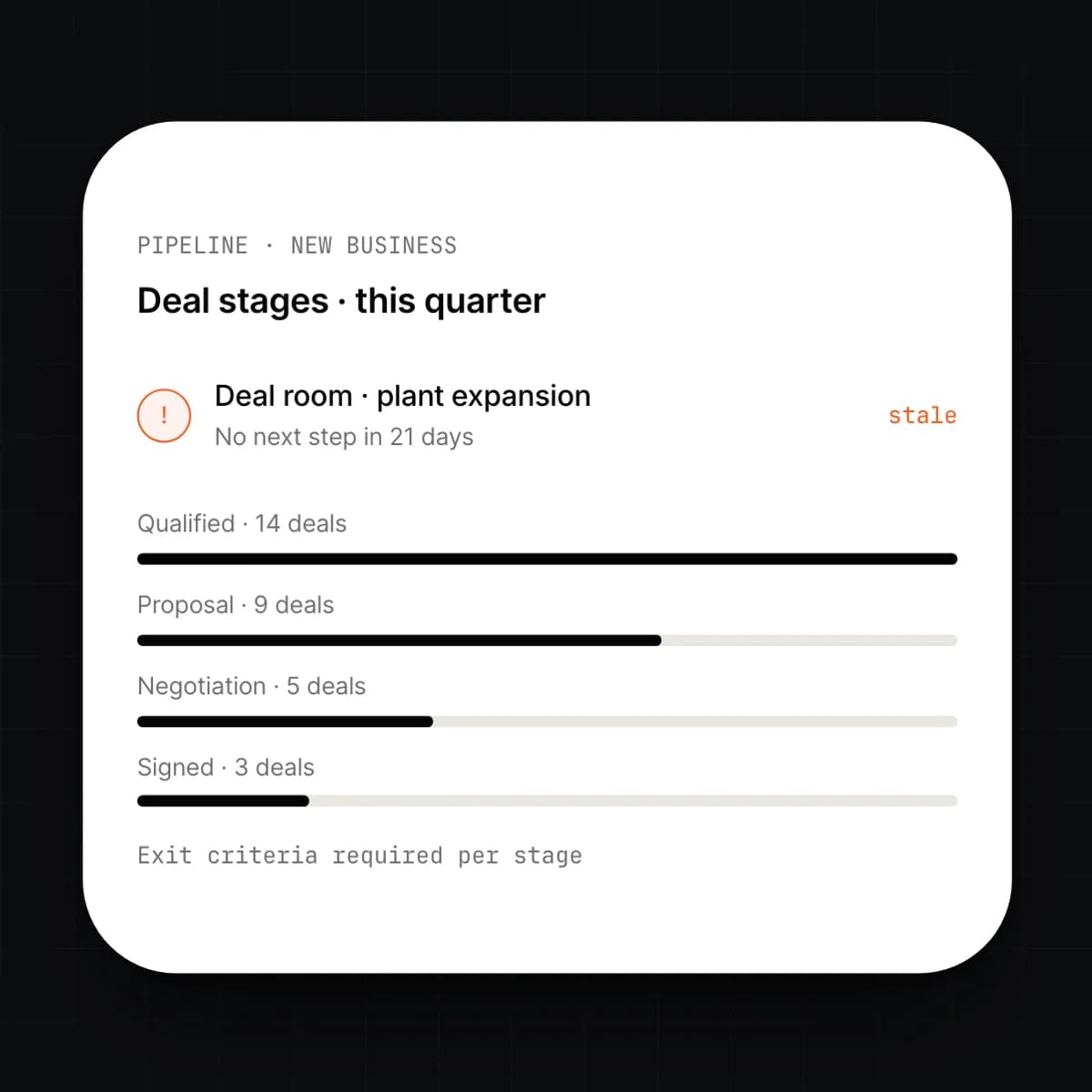
You define the stages; reps drag deals between them. Each deal has a room that holds its contacts, quotes, emails, calls, documents and next step, so the whole history is in one place.
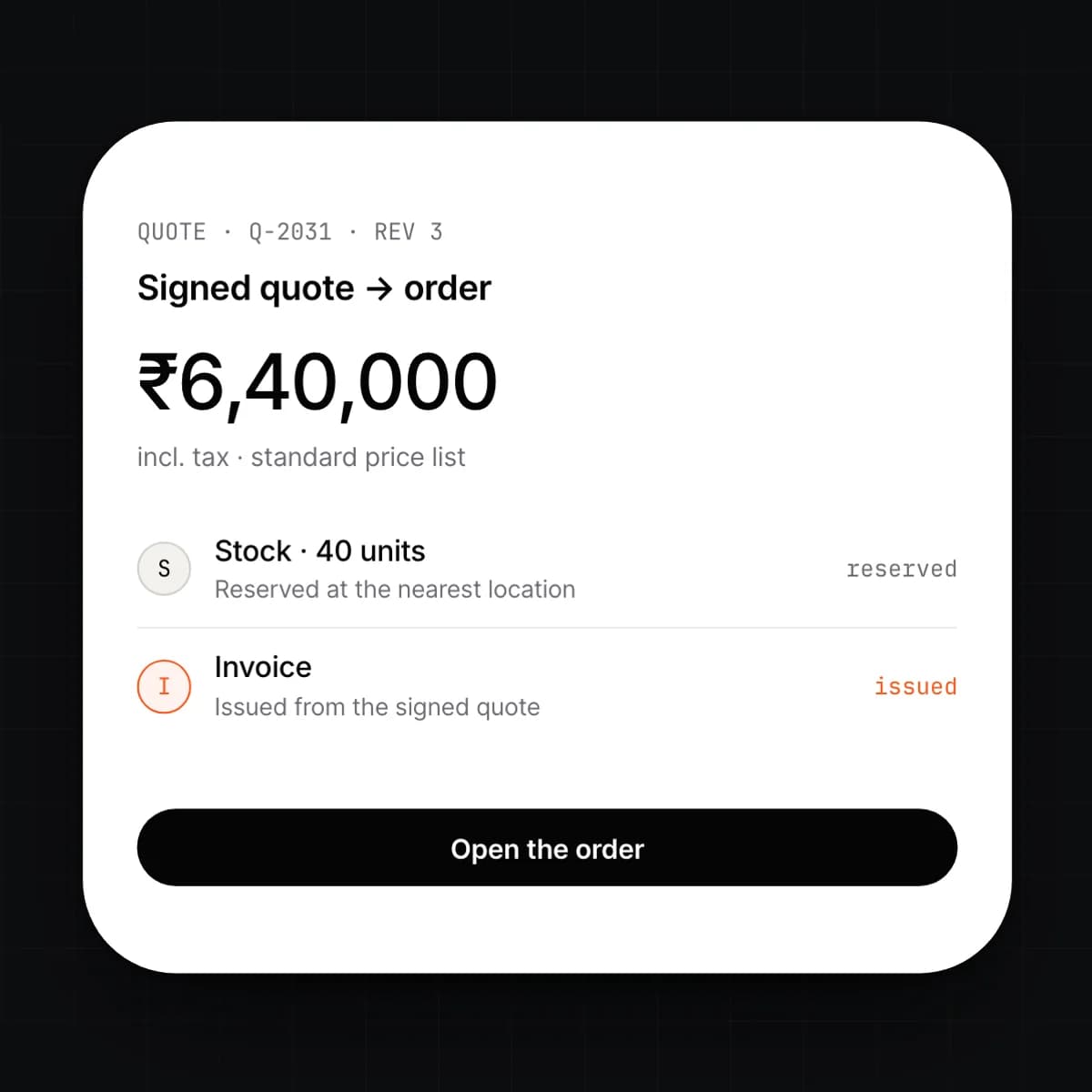
A rep builds a quote from the product catalogue with live price lists, discounts and stock. When the customer signs, the quote becomes the order, reserves stock and issues the invoice. Nobody types it twice.
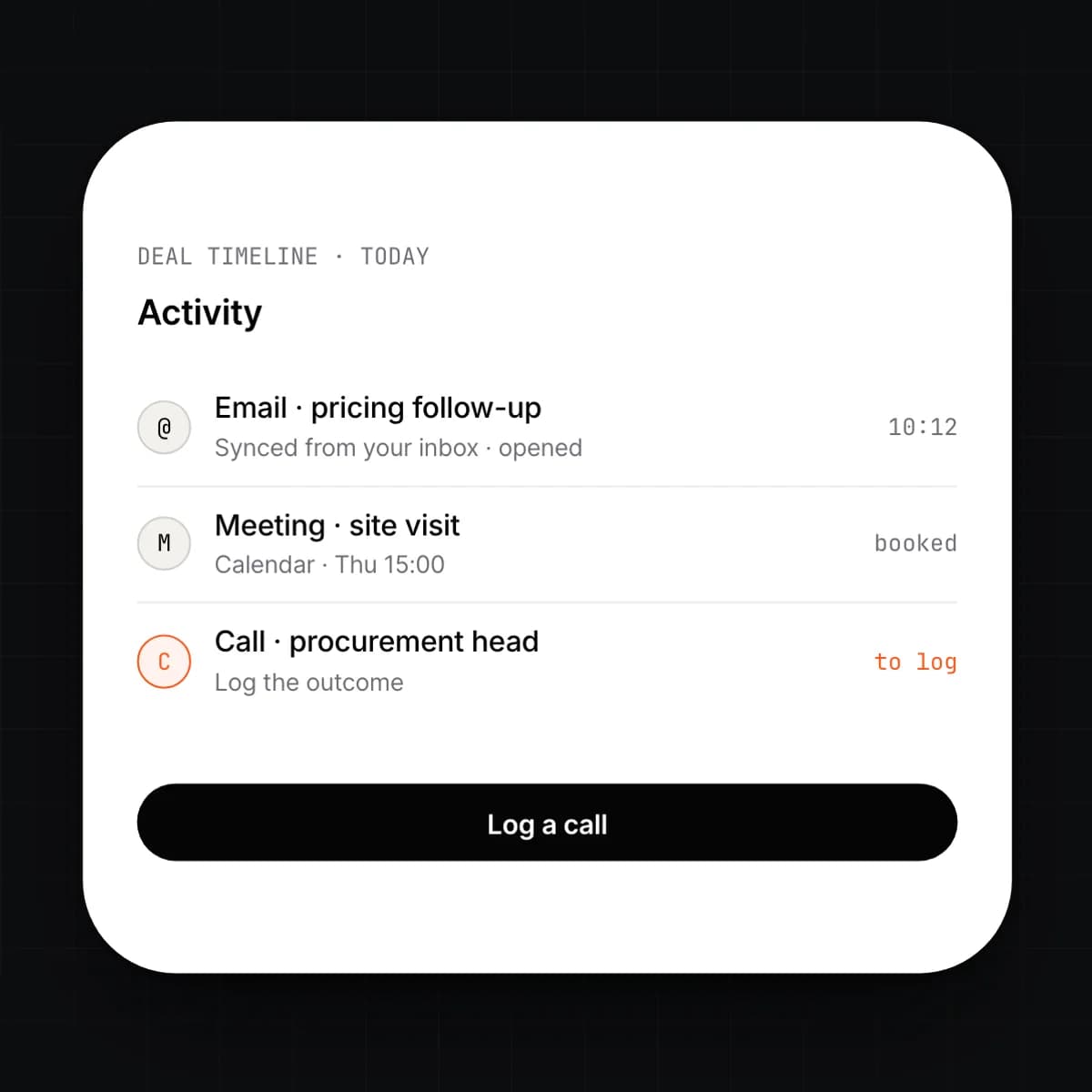
Connect Google Workspace or Microsoft 365. Emails and meetings with a known contact land on the deal without forwarding. Calls, tasks and notes are logged from the deal room.
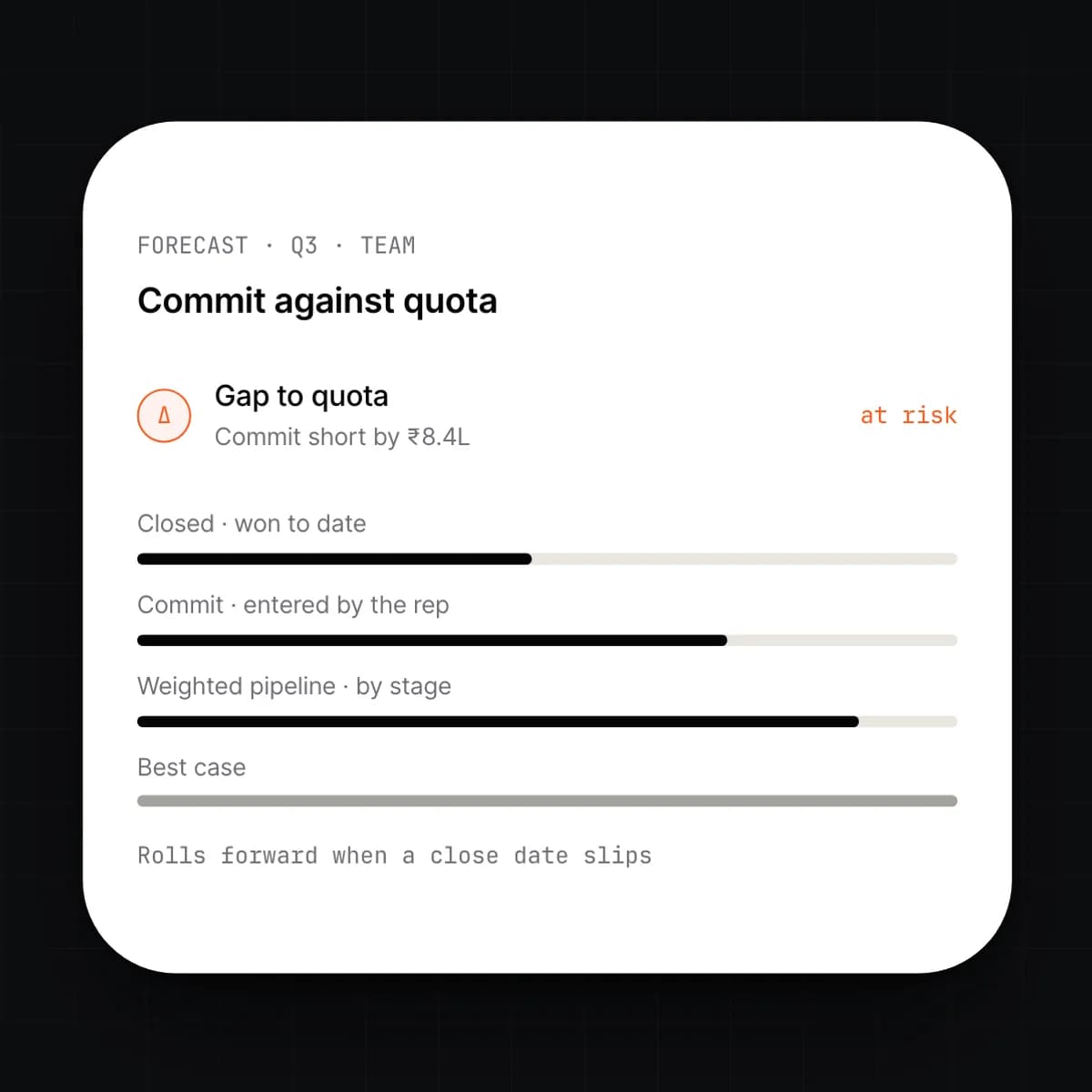
The forecast is the pipeline weighted by stage probability, sliced by rep, team, territory or period. A rep enters a commit; the system shows the gap between commit, weighted pipeline and quota as deals move.
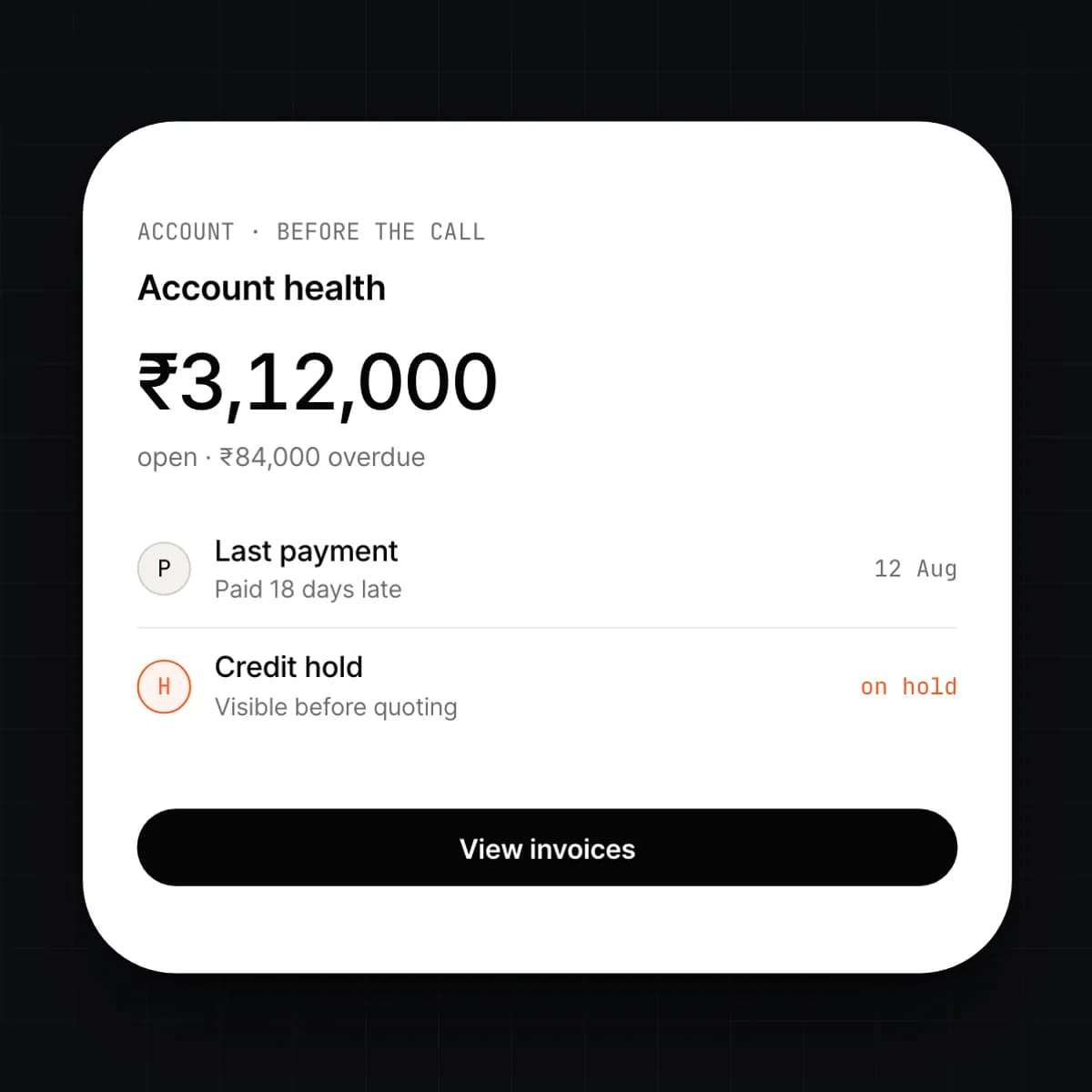
Open an account and see what it owes, what it paid, how late, and what is on order or reserved for it. Those figures come from the ledger itself, so they match what finance sees to the line.
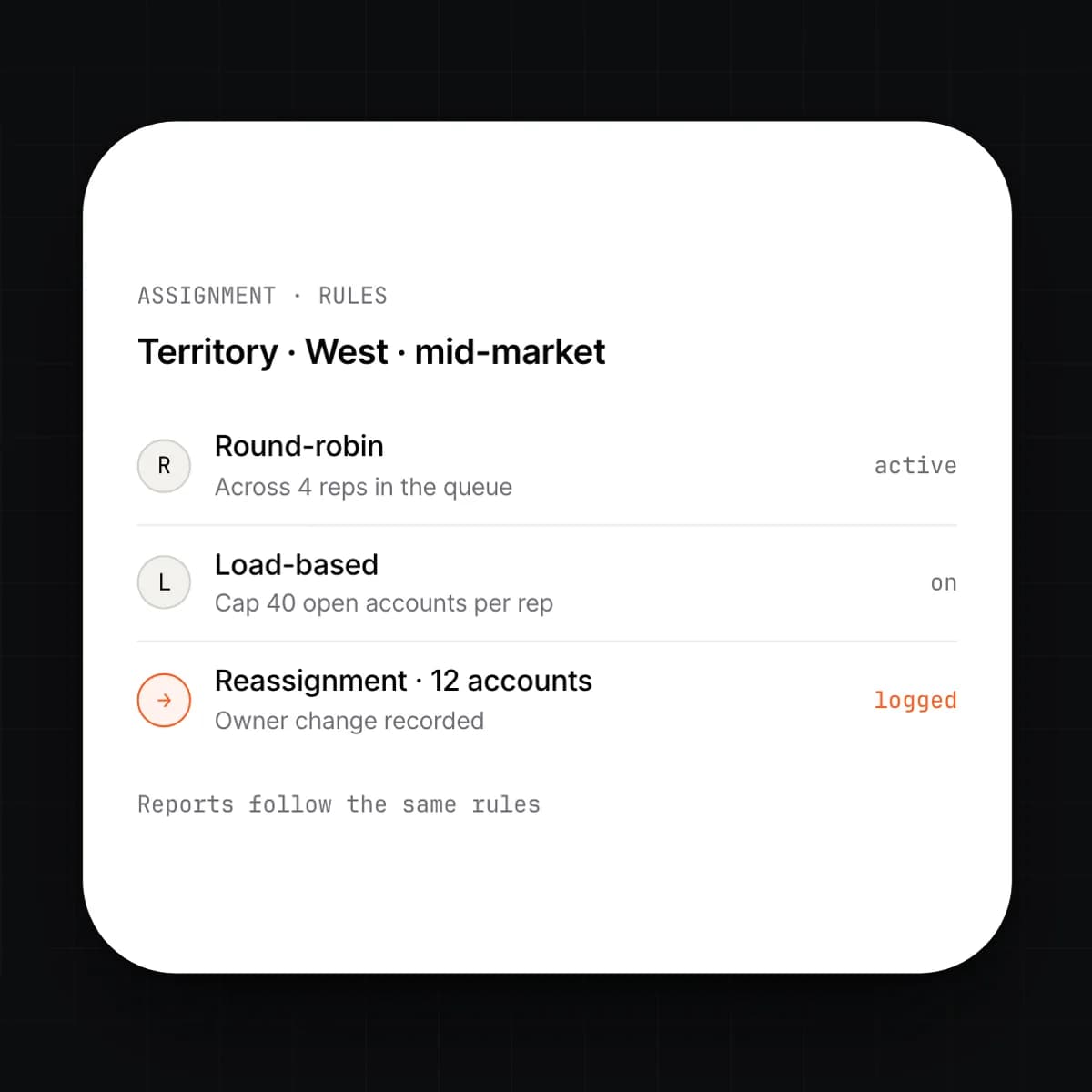
Define territories by region, industry, size or any account field. Assignment rules route new leads and accounts to the right rep or queue. Ownership changes are recorded, and reports follow the same rules.
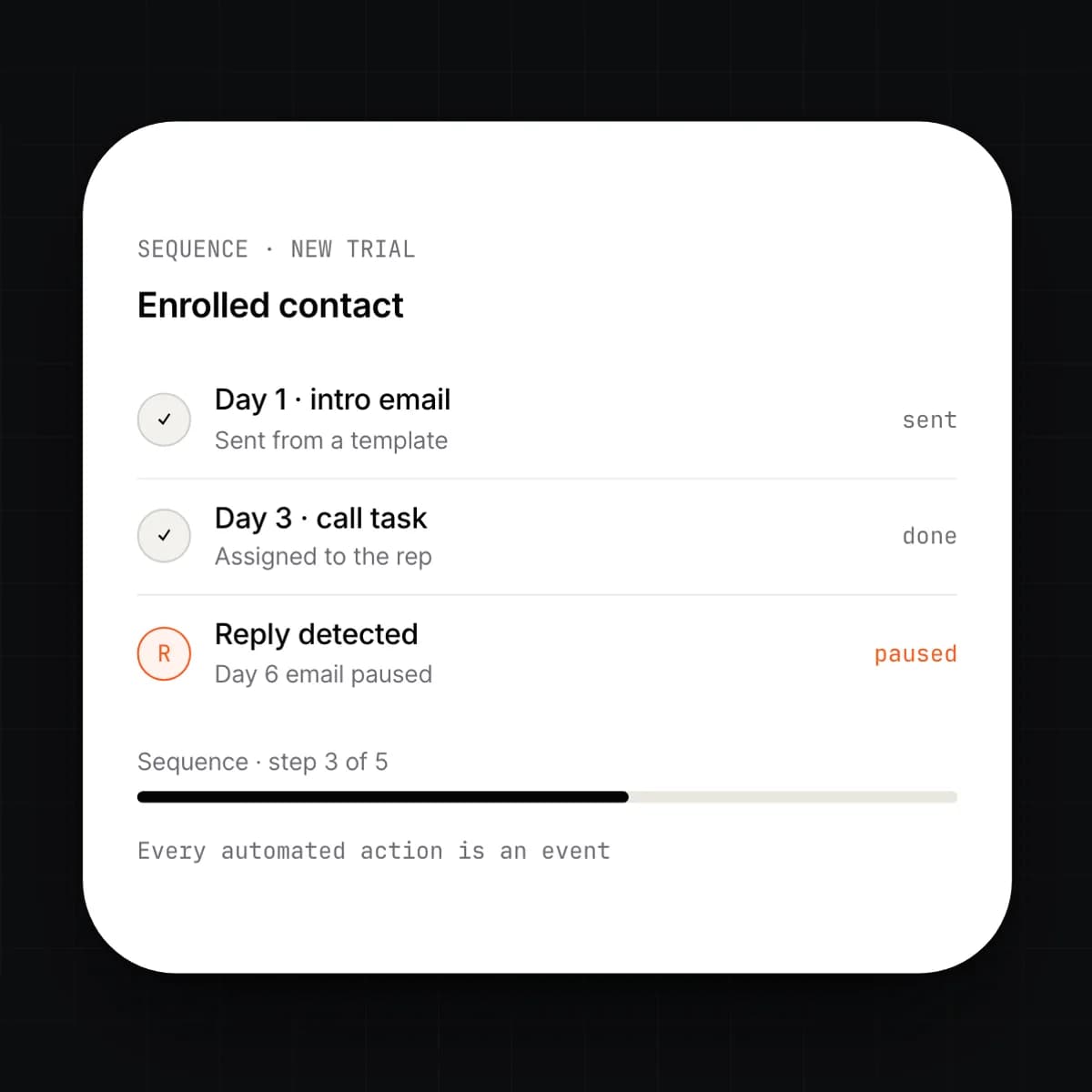
Build a sequence of emails, calls and tasks. Enrol a contact and the system runs it, pausing when they reply. Automation rules fire on any field change: move stage, create a task, notify a channel, or call a webhook.
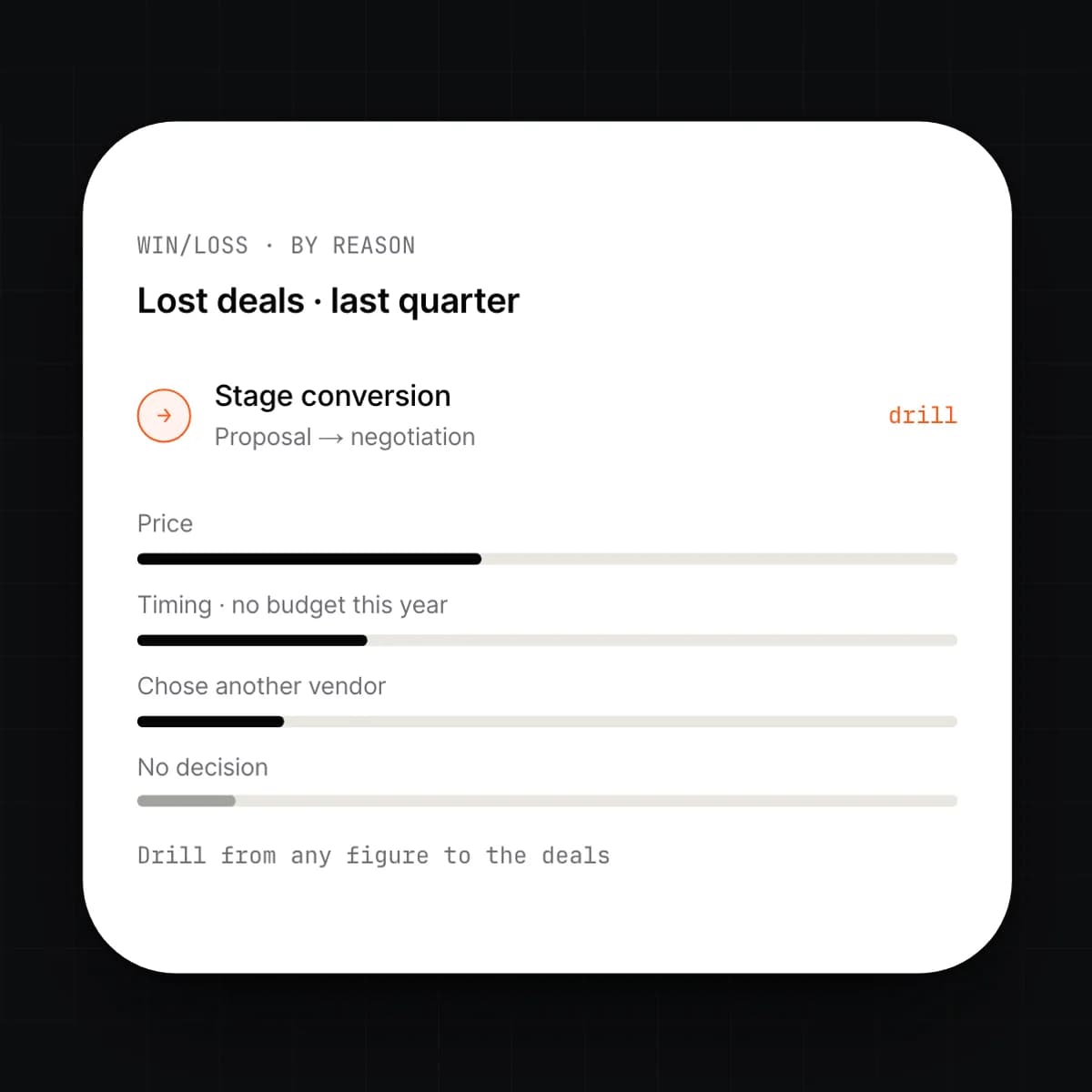
Reports read the same deal events, so conversion by stage, cycle time, and win rate by rep, source or competitor are there without an export. Lost deals carry a reason, and the reasons are a report.
Capabilities
9 capabilities, one card each. Open any card to read it in full.
Workflow
One deal, followed from the first conversation to the cash landing in the bank.
A form submission or forwarded email creates the lead. Rules score it and assign it to a rep, who converts it to a deal in the pipeline.
Calls, emails and meetings collect in the deal room. A sequence handles the follow-ups until the contact replies.
The rep builds the quote from the catalogue. Prices and stock are read from the ledger; a discount above policy waits for approval.
The signed quote becomes the order. Stock is reserved, the invoice is issued, and revenue is recognised in the same event.
The bank feed matches the payment to the invoice. The account shows paid, the commission accrues, and the forecast moves to actual.
Connected
Details
Questions
Yes. The CRM runs on ERP Core, which is included. Quotes, orders and the account view work on their own. When you turn on Invoicing & Finance or Inventory, they start posting to the same records without a migration.
A signed quote is an event on the ledger. That one event creates the order, reserves stock if Inventory is on, and issues the invoice if Invoicing is on. There is no export and no second entry to reconcile.
It connects to Google Workspace and Microsoft 365. Mail and calendar events with a known contact attach to the deal on their own. Reps can send from the CRM with templates, and every message is logged against the contact and the deal.
Each stage has a probability you set. The weighted forecast is the sum of open deals multiplied by their stage probability, sliced by rep, team or period. A rep can enter a commit on top, and the report shows commit, weighted and closed side by side.
Yes. Import leads, accounts, contacts, deals and activities from CSV with field mapping, or use the assisted migration. Ownership, stages and history come across; anything the import cannot map is reported before it posts.
Access follows roles and territories. A rep sees their own accounts and the ones their territory covers; a manager sees the team; finance sees the ledger side. Individual fields, such as margin or credit limit, can be hidden by role.
Early access
We are onboarding a small number of companies this year. Tell us what you run today.